Tour and Account Settings
Use settings for both routine edits and high-risk actions.
Tour Details
You can update:
- tour name
- description
- start/end dates
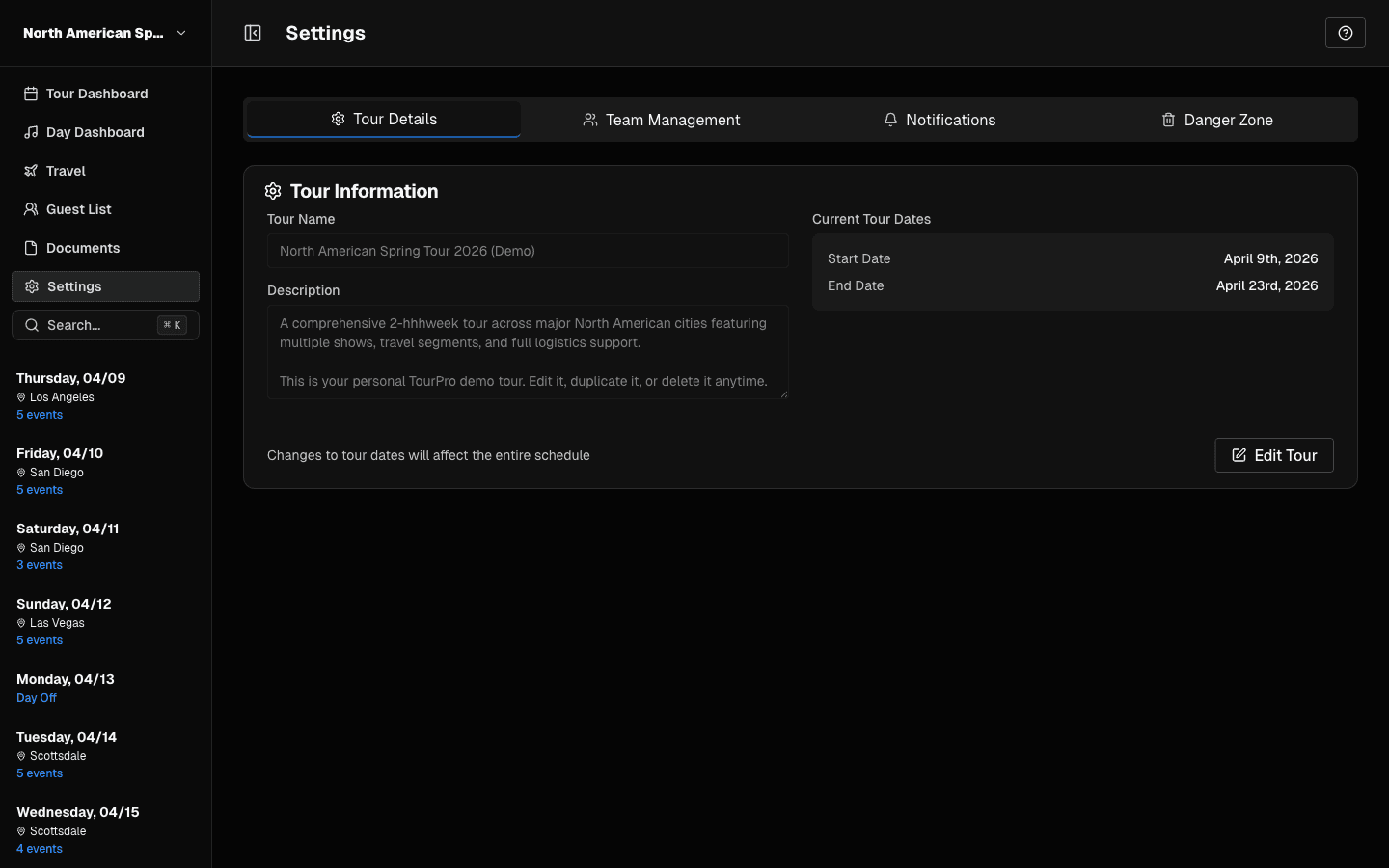 Tour Details: update name, description, and dates.
When date range changes, TourPro can warn you about events outside the new range.
Settings Tabs
Which tabs you see depends on your permissions:
| Tab | What it does | Needs |
|---|---|---|
| Details | Tour name, description, and dates | Edit tour details |
| Team Management | Members, roles, permissions, groups, travel profiles | Invite/remove members or manage permissions |
| Billing | Plan, seats, payment method (Stripe) | Edit tour details |
| Notifications | Send push updates to selected recipients | Send notifications (to send); everyone can view history |
| Activity | Chronological log of changes to the tour — see Activity History | Edit schedule |
| Calendar Sync | Connect Google Calendar or iCal feeds — see Calendar Feeds | Edit schedule |
| Danger Zone | Permanent tour deletion | Delete tour |
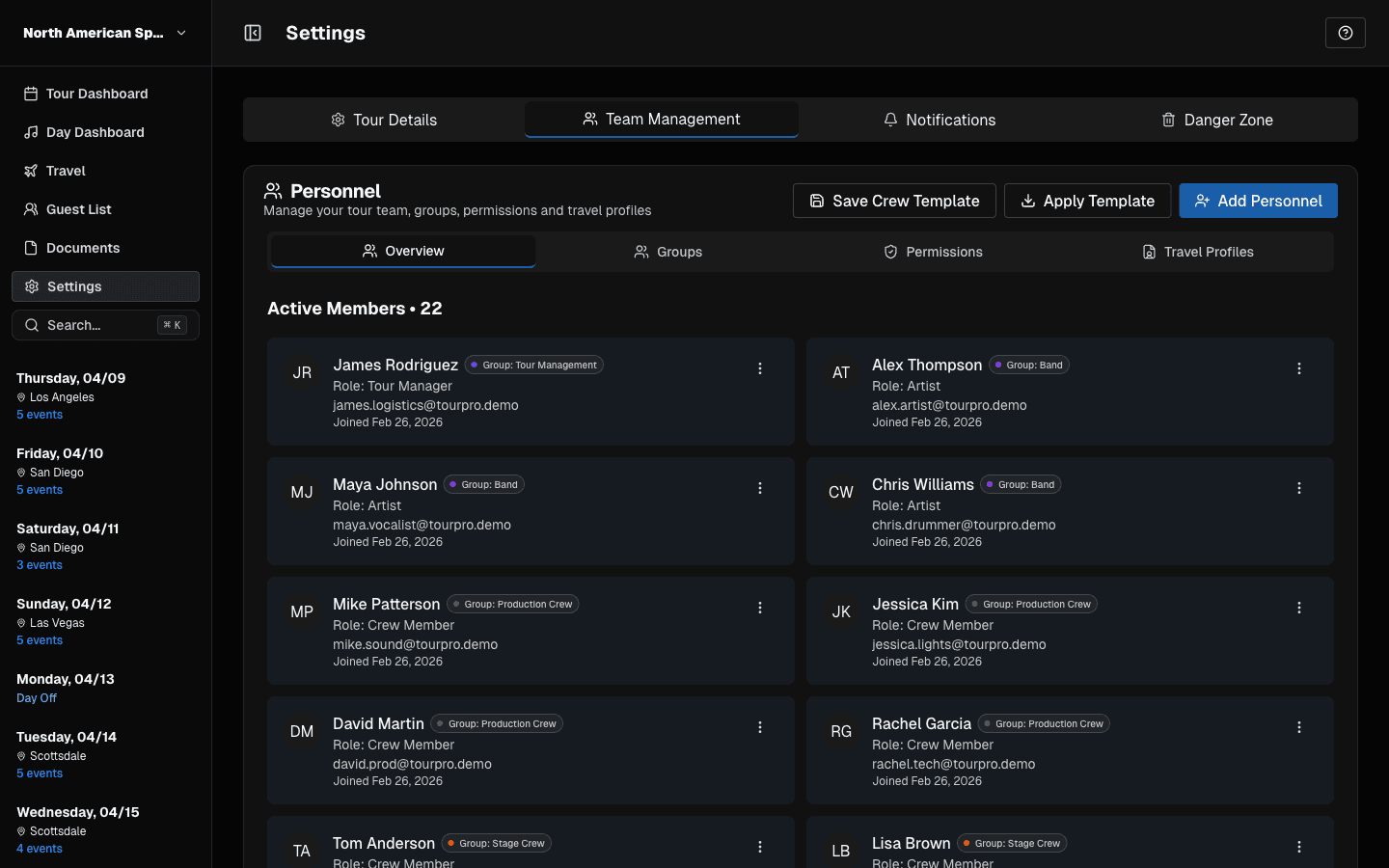 Team Management: manage members, groups, permissions, and travel profiles.
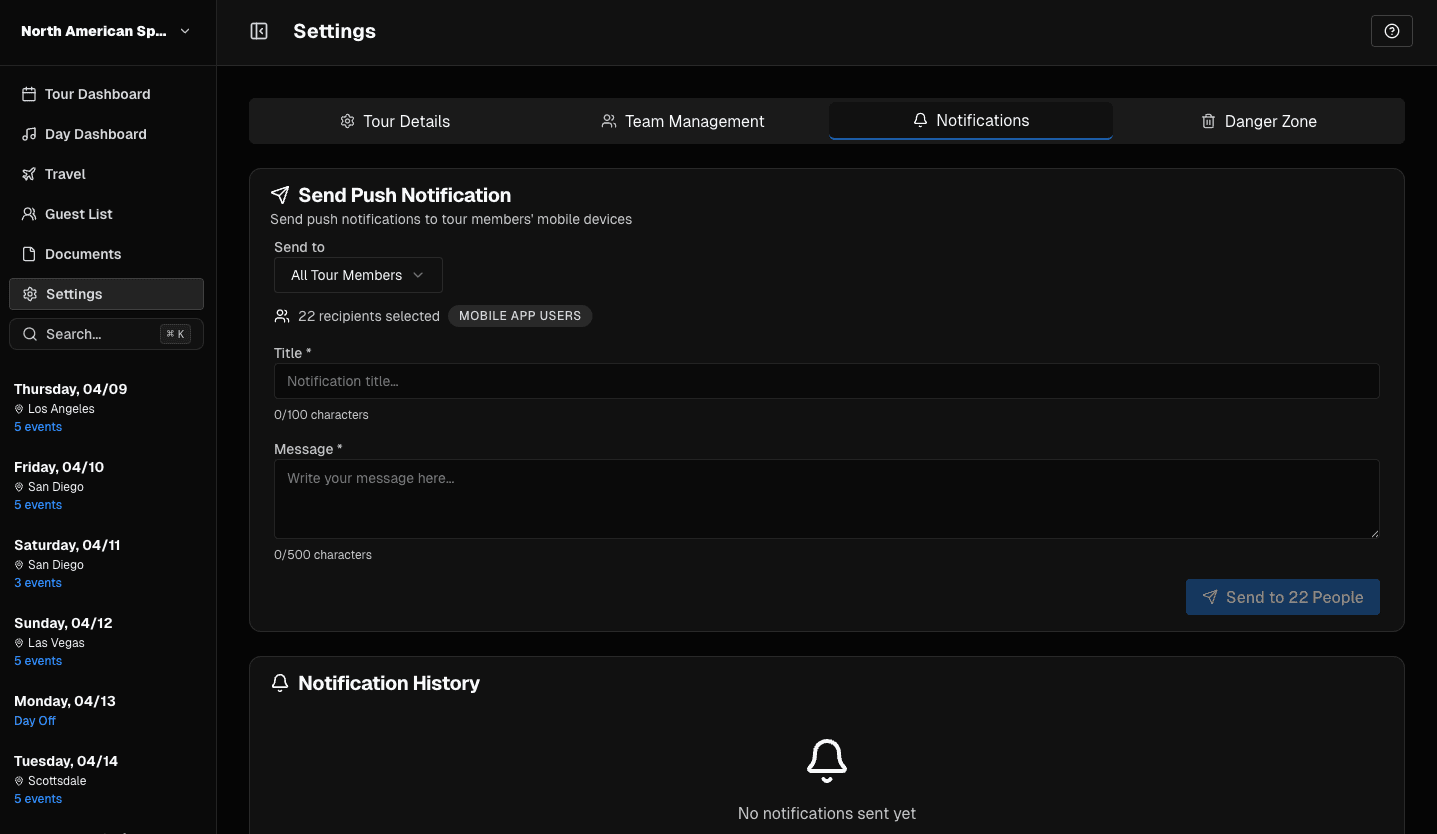 Notifications: send push updates to selected recipients.
You can deep-link to a tab with ?tab= — for example ?tab=billing or ?tab=calendar-sync.
Danger Zone (Tour Deletion)
Tour deletion should be treated as permanent.
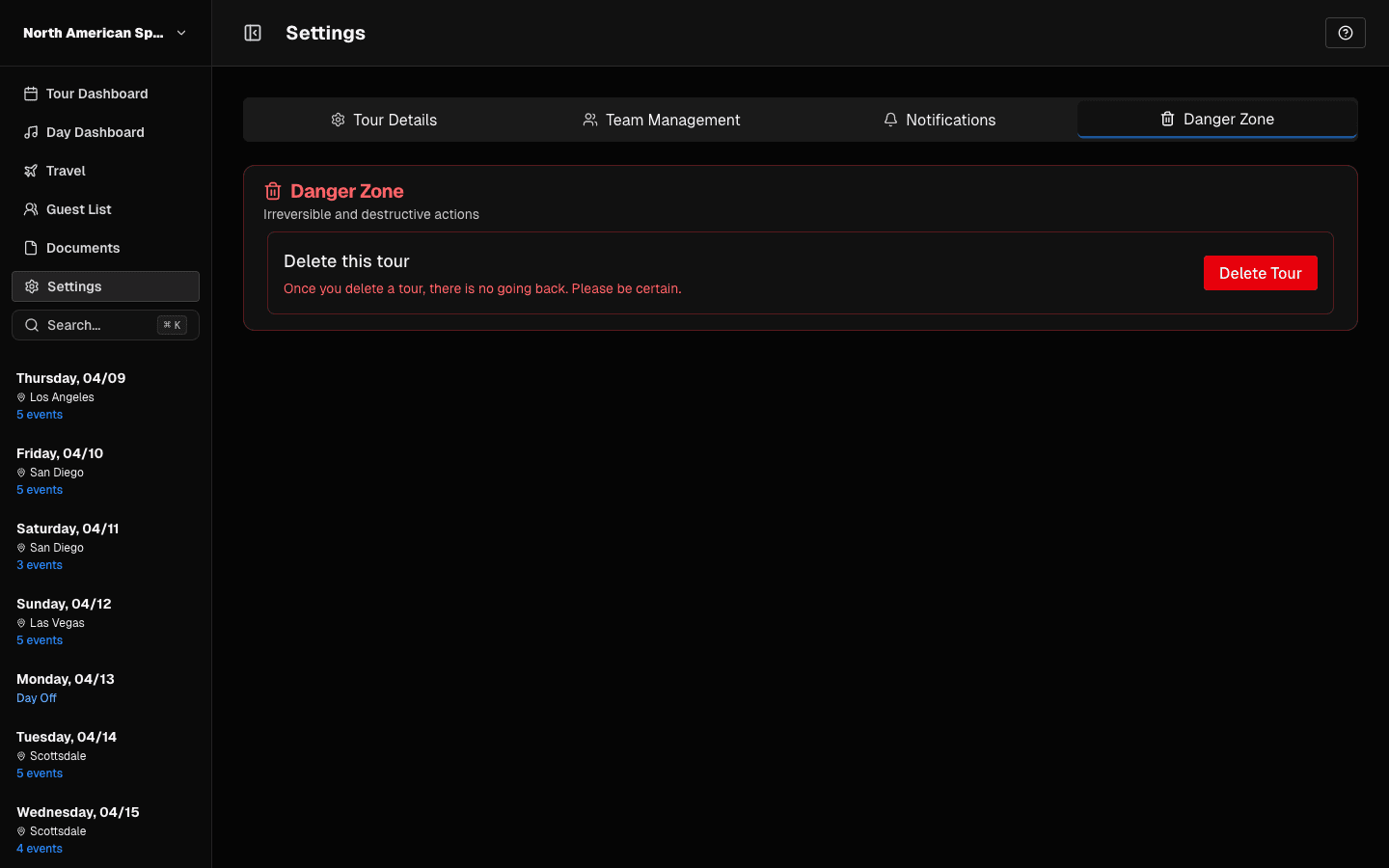 Danger Zone: permanent tour deletion action.
Before deleting:
- confirm with stakeholders
- ensure no one still needs historical tour data
- verify replacement/archival process exists if required
Last updated on