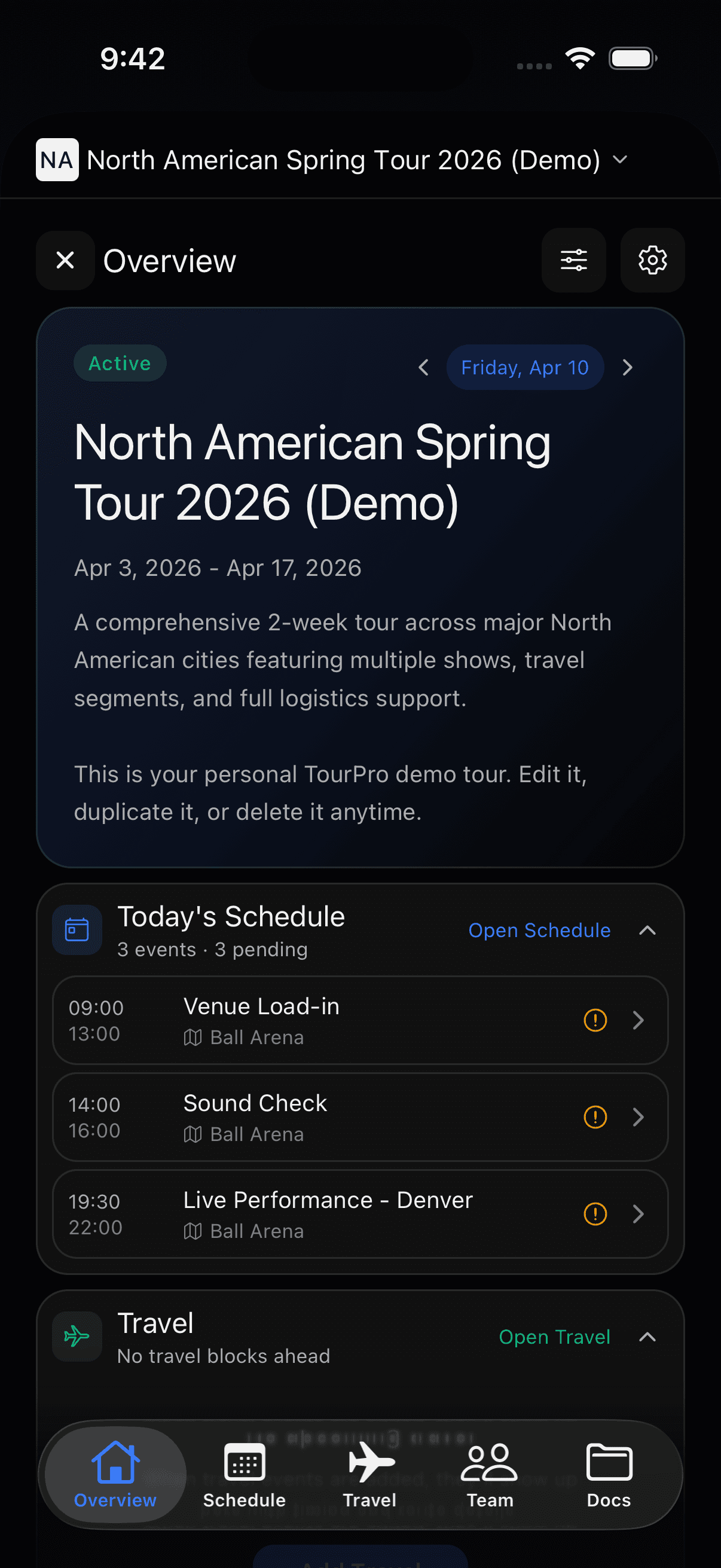
Run your tour
like a pro.
Schedules, travel, guest lists, day sheets, and mobile updates in one app.
Built for all platforms.
iPhone, iPad, Android, and desktop — one live tour in every pocket.
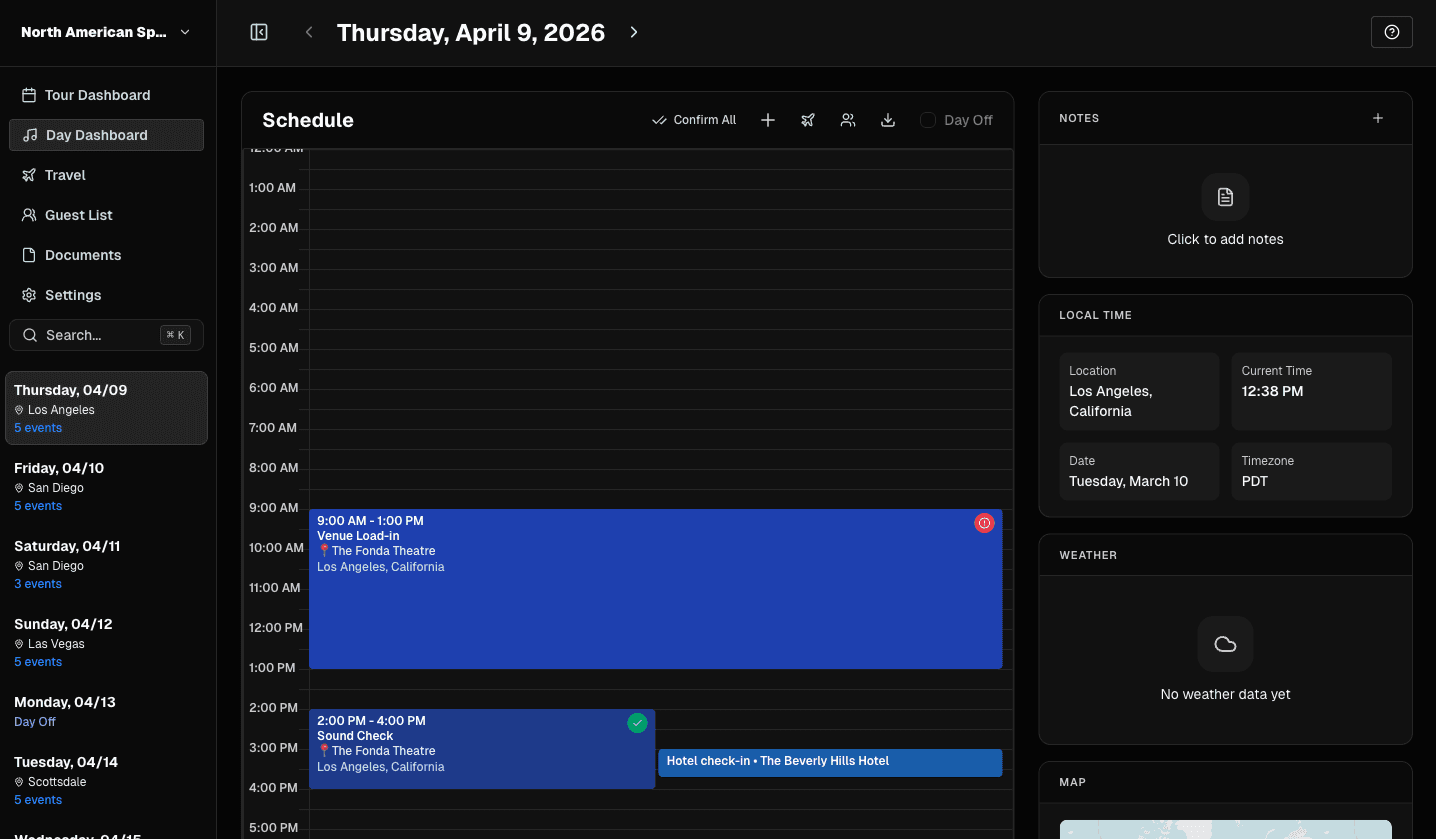
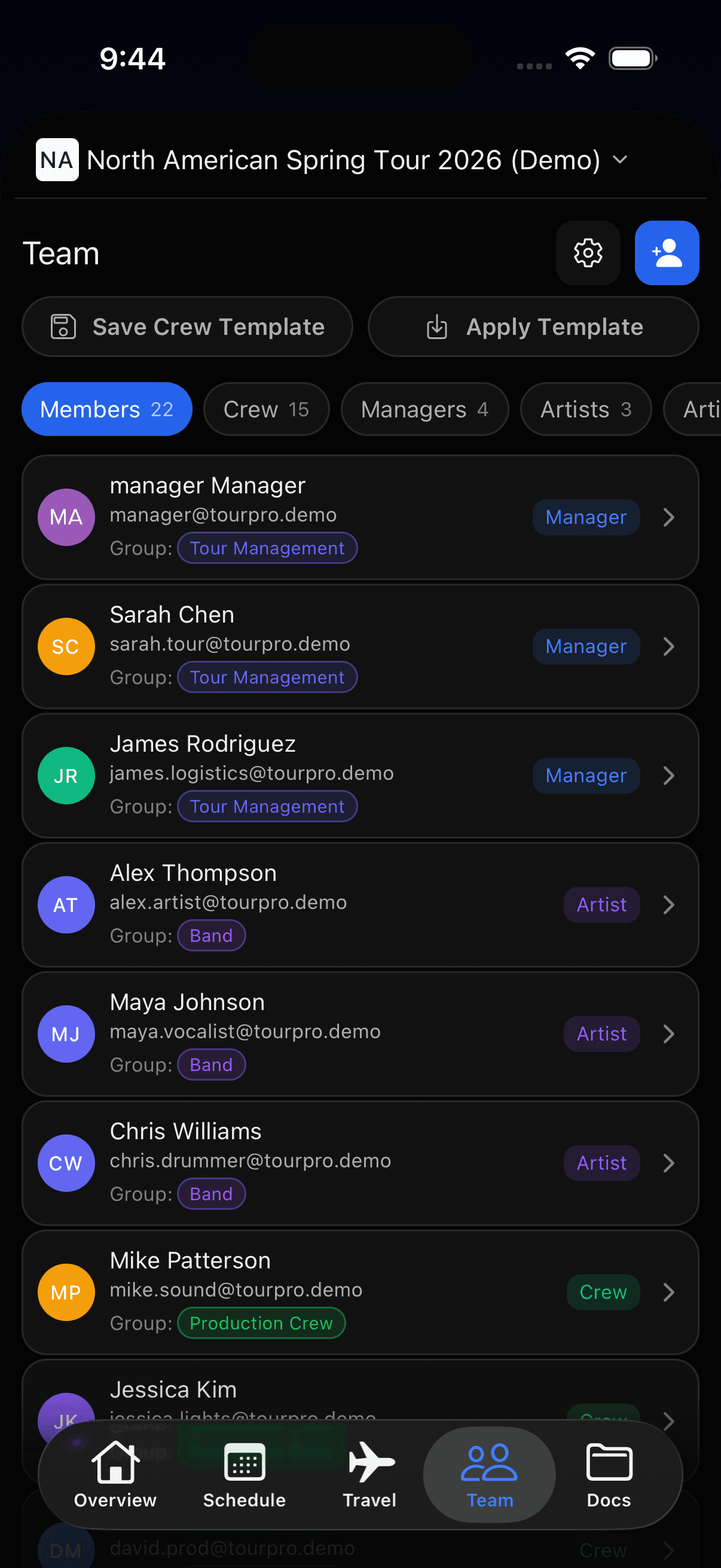
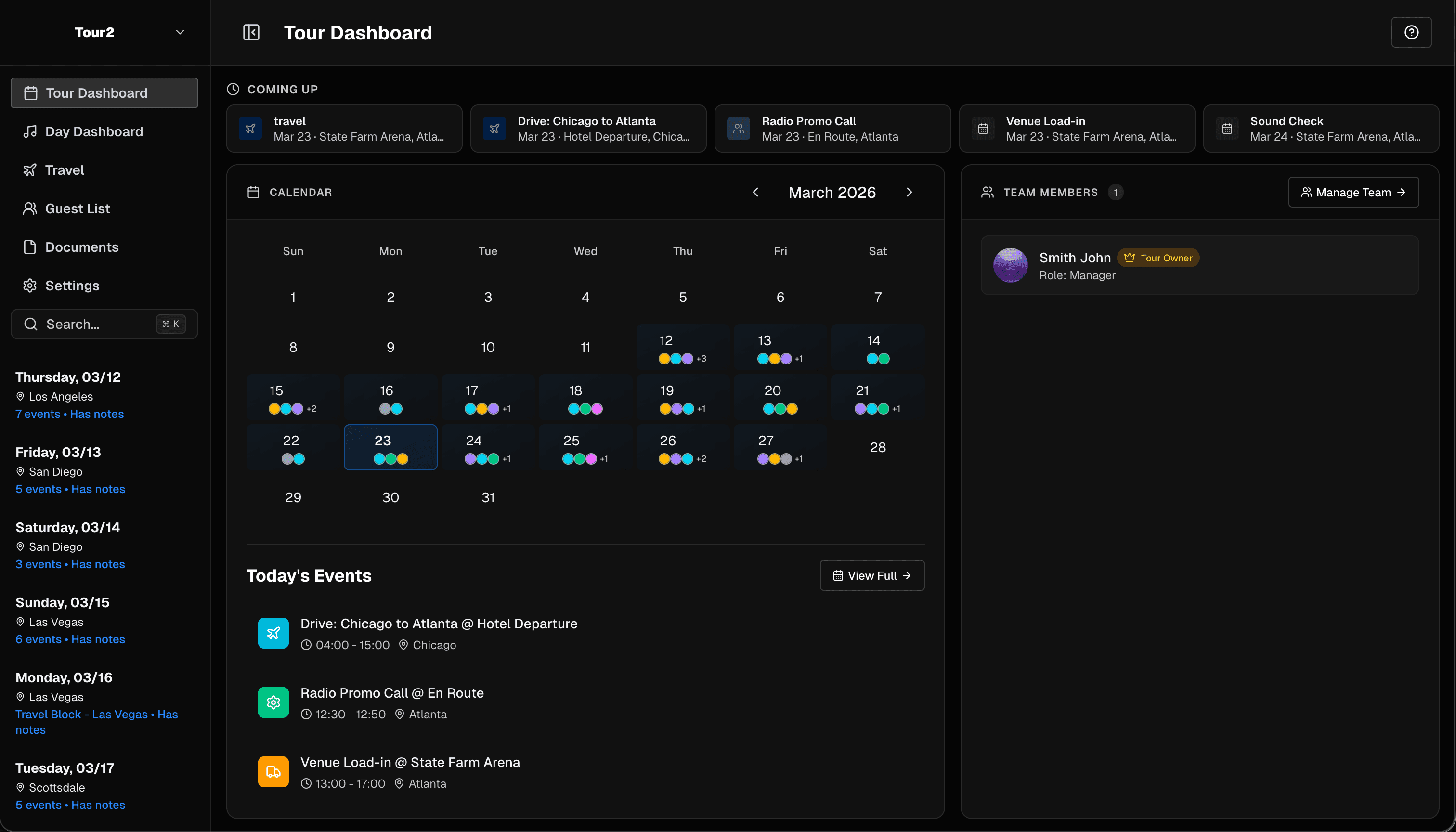
Also available on desktop
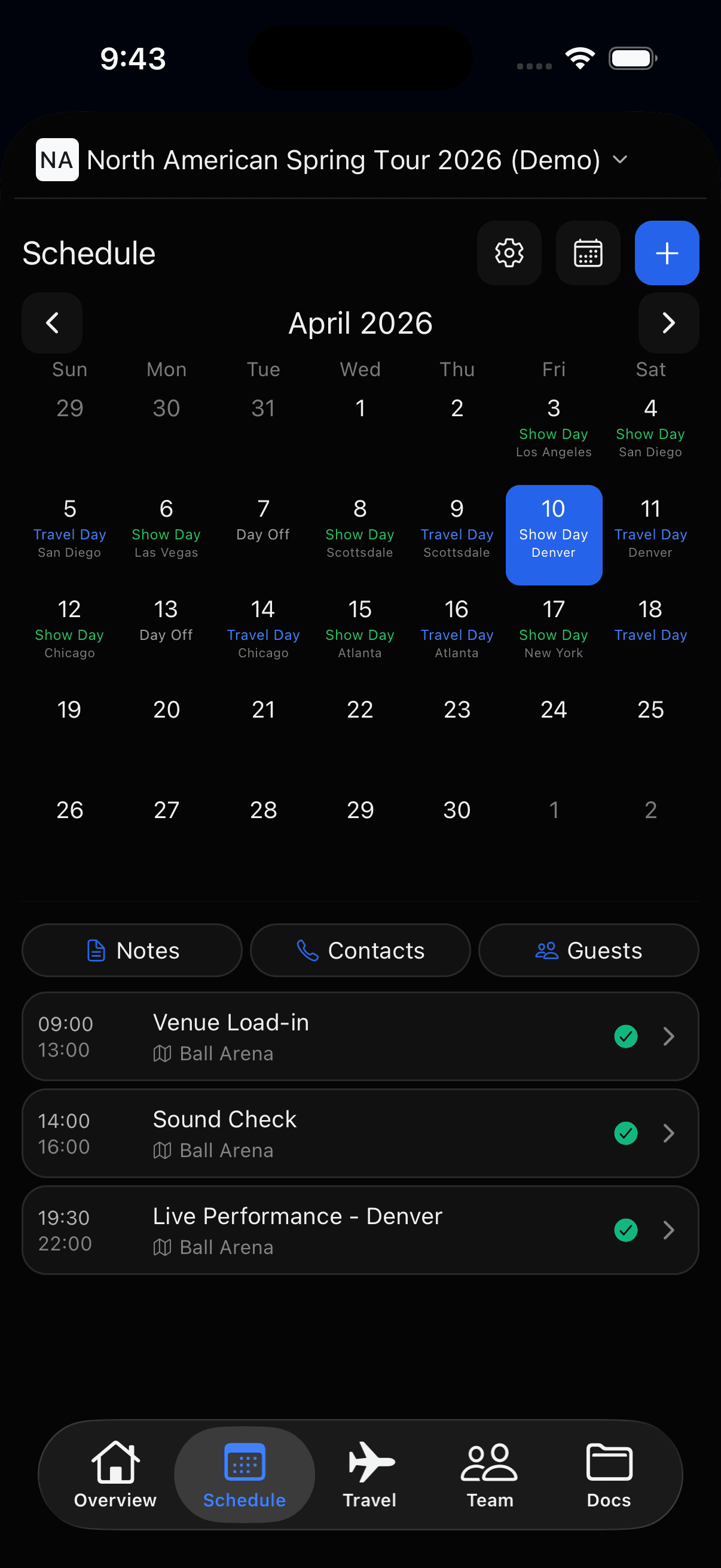
See the full day in one place.
Shows, travel, notes, and contacts stay on one live schedule.
- Calendar and list views
- Drag-and-drop updates
- Venue details and notes attached
Built for
tour days
Views
calendar + list
Source
one live schedule
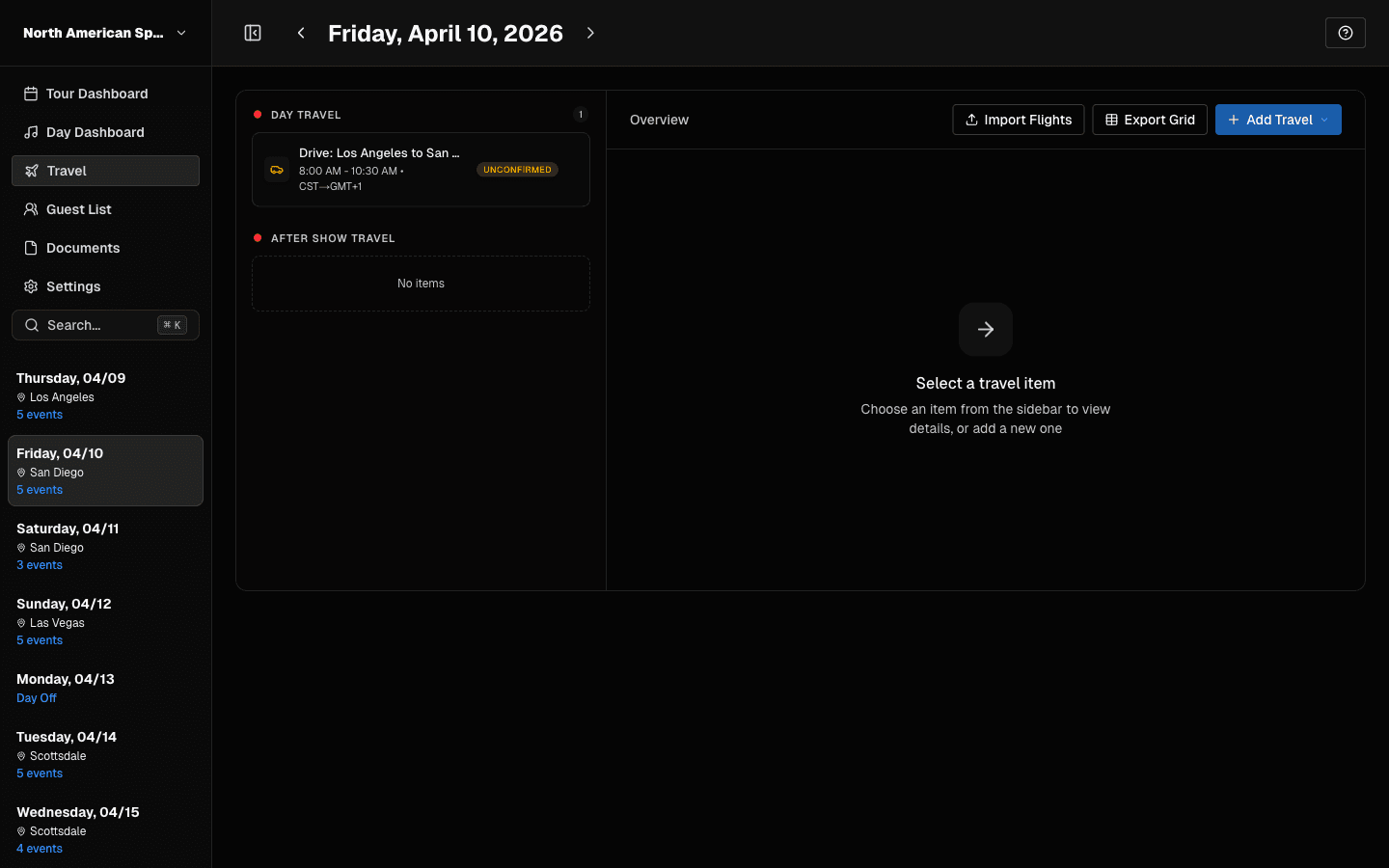
Keep travel tied to the right date.
Flights, hotels, and ground moves stay visible beside the schedule.
- Flights, hotels, and ground
- Confirmations and rooming
- Clear travel context by day
Tracks
air + hotel + ground
Context
per date
Goal
fewer misses
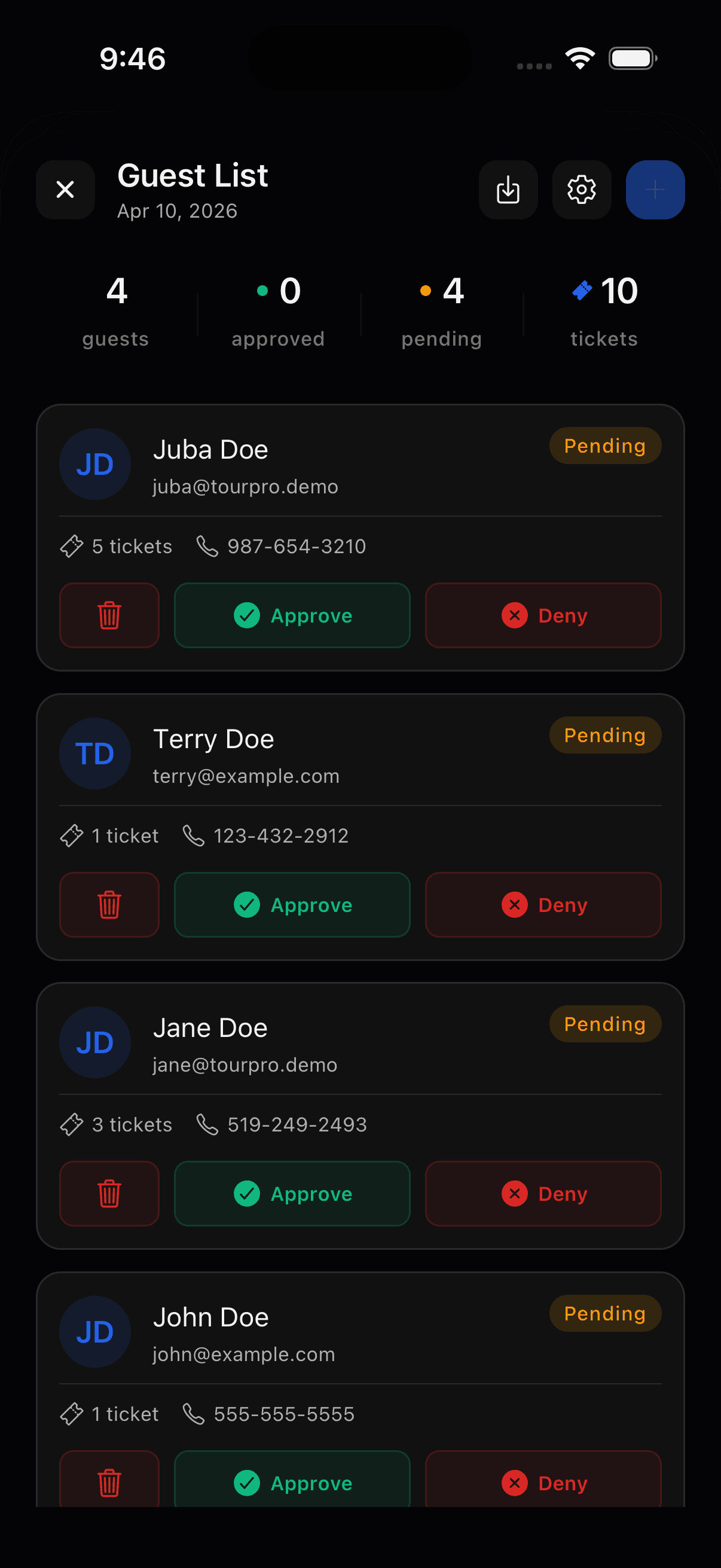
Share the right information with the right people.
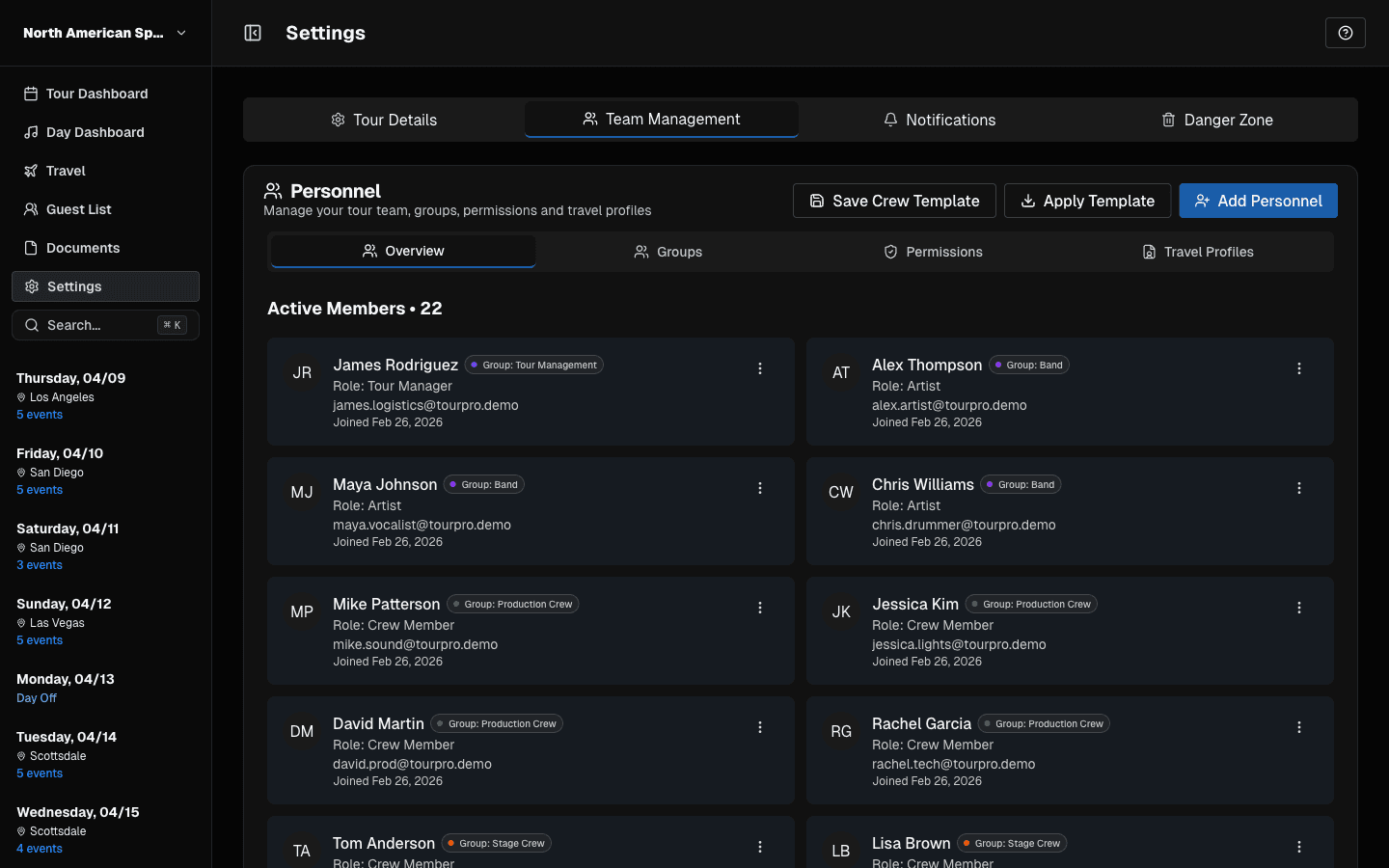
Manage crew access and guest lists from the same live tour record.
- Invite crew by role
- Manage guests in one place
- Limit sensitive info
Supports
admins + readers
Covers
guests + crew
Visibility
role-based
Send cleaner updates when plans shift.
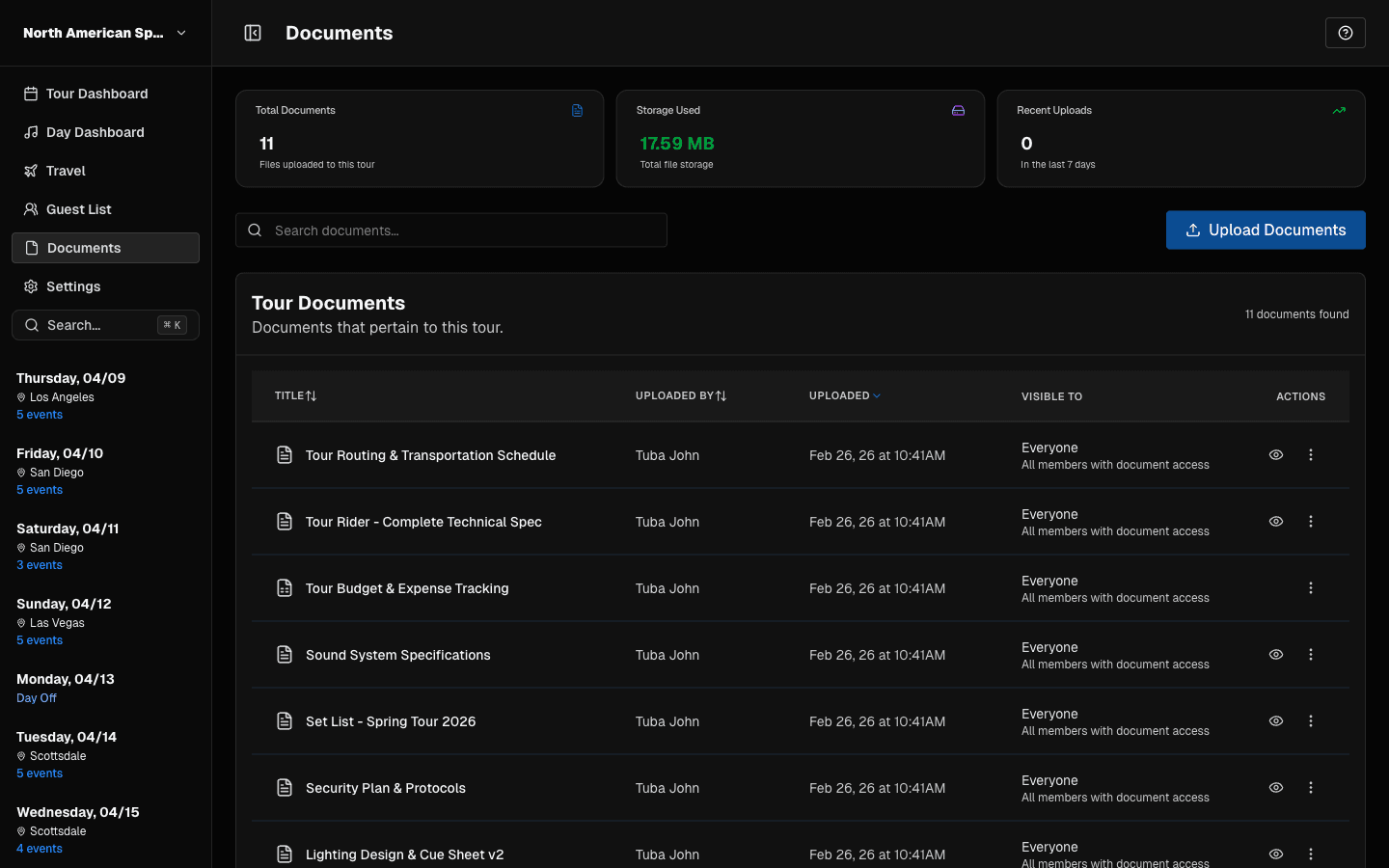
Generate day sheets, keep docs attached, and notify the team fast.
- Generate day sheets
- Keep docs and notes attached
- Send update alerts fast
Outputs
day sheets + alerts
Includes
docs + notes + alerts
Use case
day-of changes
Common questions about TourPro
These answers are written plainly so people and machines can quickly understand what TourPro is for.
Get the app now
Use TourPro when spreadsheets and static PDFs stop working.