Scheduling and Logistics
TourPro scheduling is built around day-to-day execution, not just static planning.
Core Views
- Calendar View: high-level month/day planning
- Day View: details for one date (events, notes, contacts, advances)
- Travel View: transportation workflow for travel events, flights, and hotels
- Guest List View: requests, approvals, and exports
Related Guides
- Advances — structured day-of-show sheets you can share with venues
- Import Flights with AI — drag in an itinerary instead of typing
- Calendar Feeds — sync Google Calendar or iCal subscriptions
- Push Notifications — send updates to teammates’ phones
Sidebar Navigation
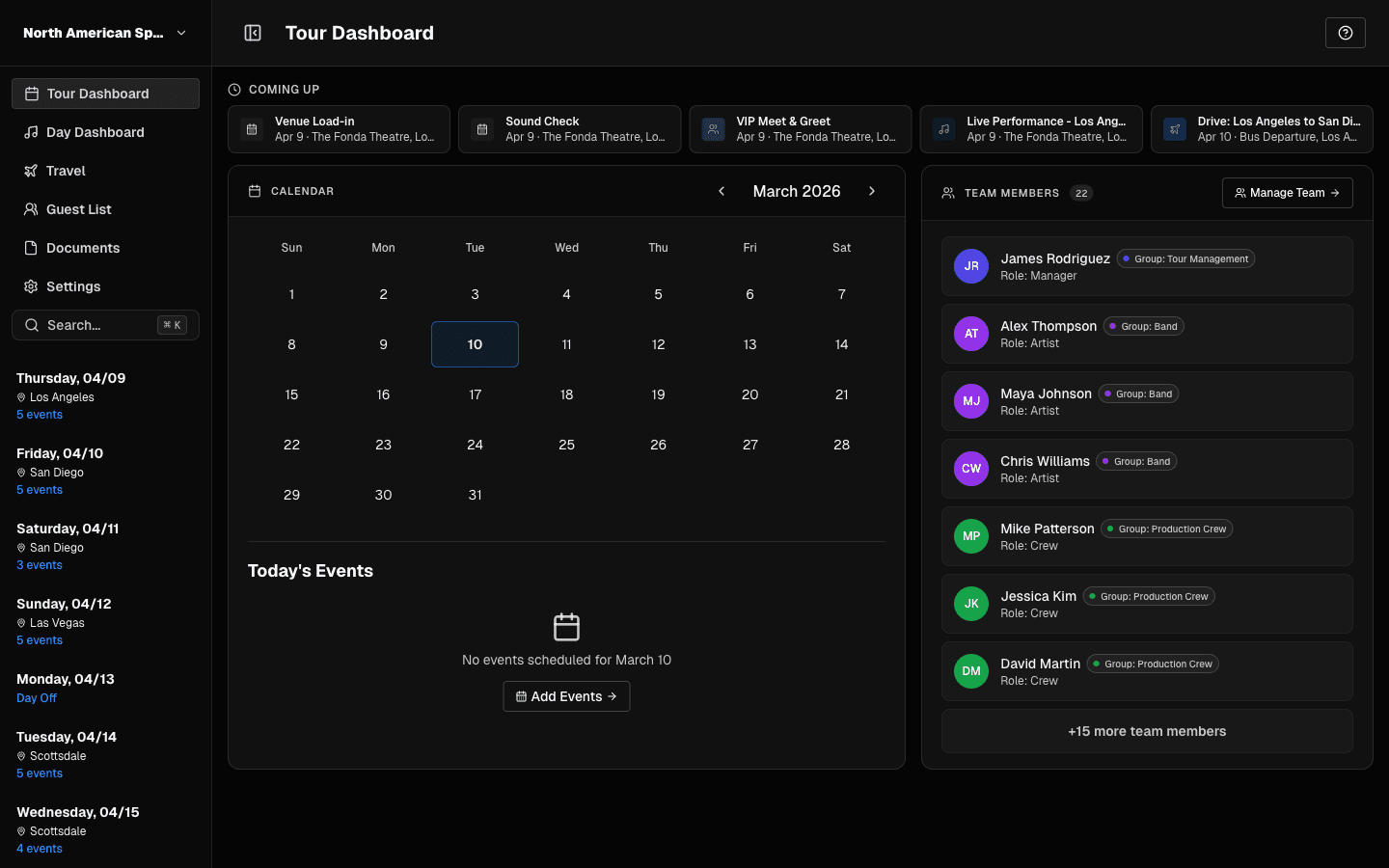 Use the left sidebar to move between schedule modules and days.
Use the sidebar to move quickly between modules and dates.
Quick Ops Cards
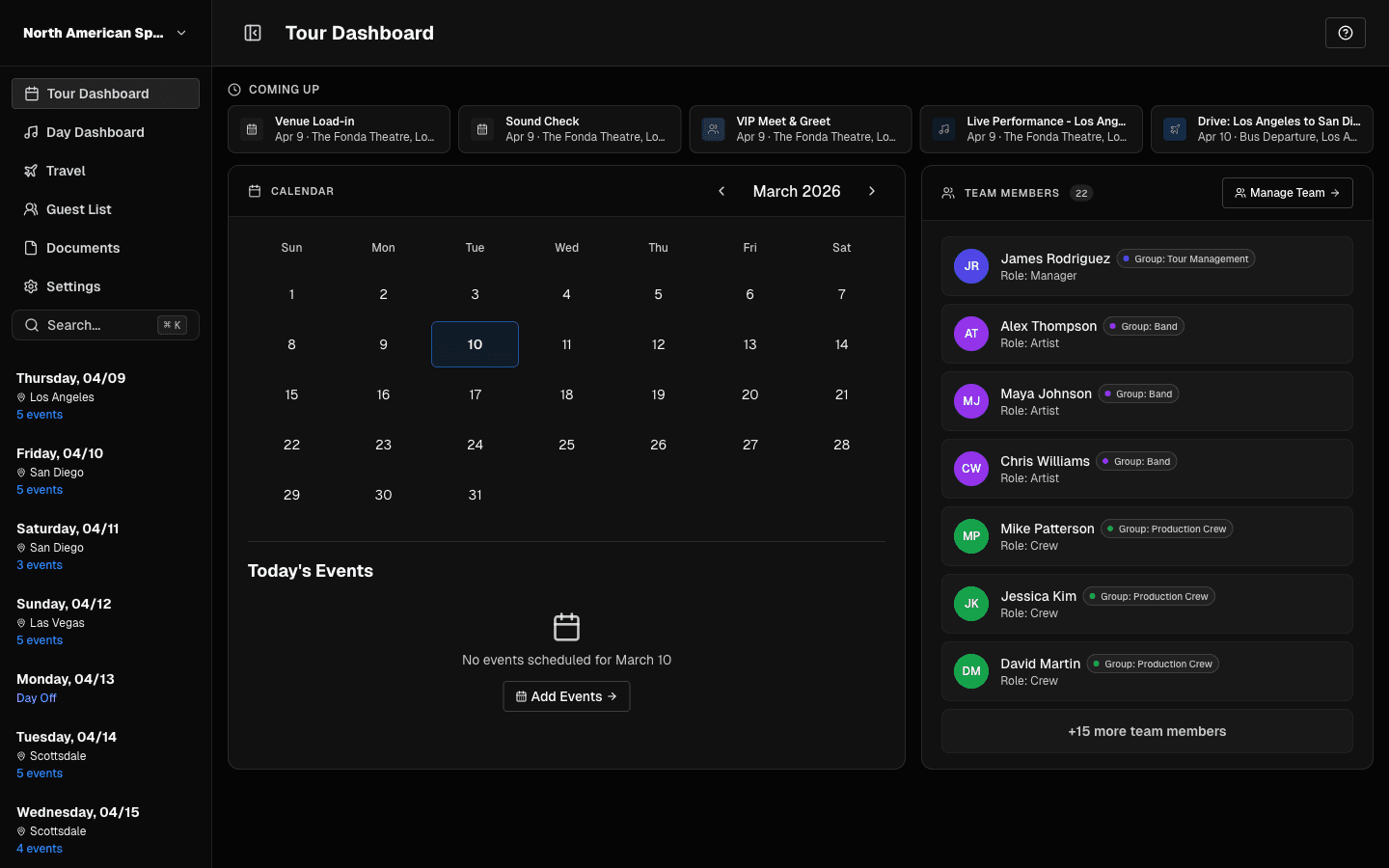 Quick cards bring you straight into daily operations.
These cards are shortcuts to high-priority workflows.
Recommended Daily Routine
- Open today’s date.
- Confirm timing and locations.
- Verify travel and hotel touchpoints.
- Check contacts and notes.
- Update the advance and its status.
- Review guest list status.
- Export day sheet if needed.
Last updated on