TourPro Help Center
Welcome to TourPro Help.
Choose your platform first, then use the task guides when you need detail.
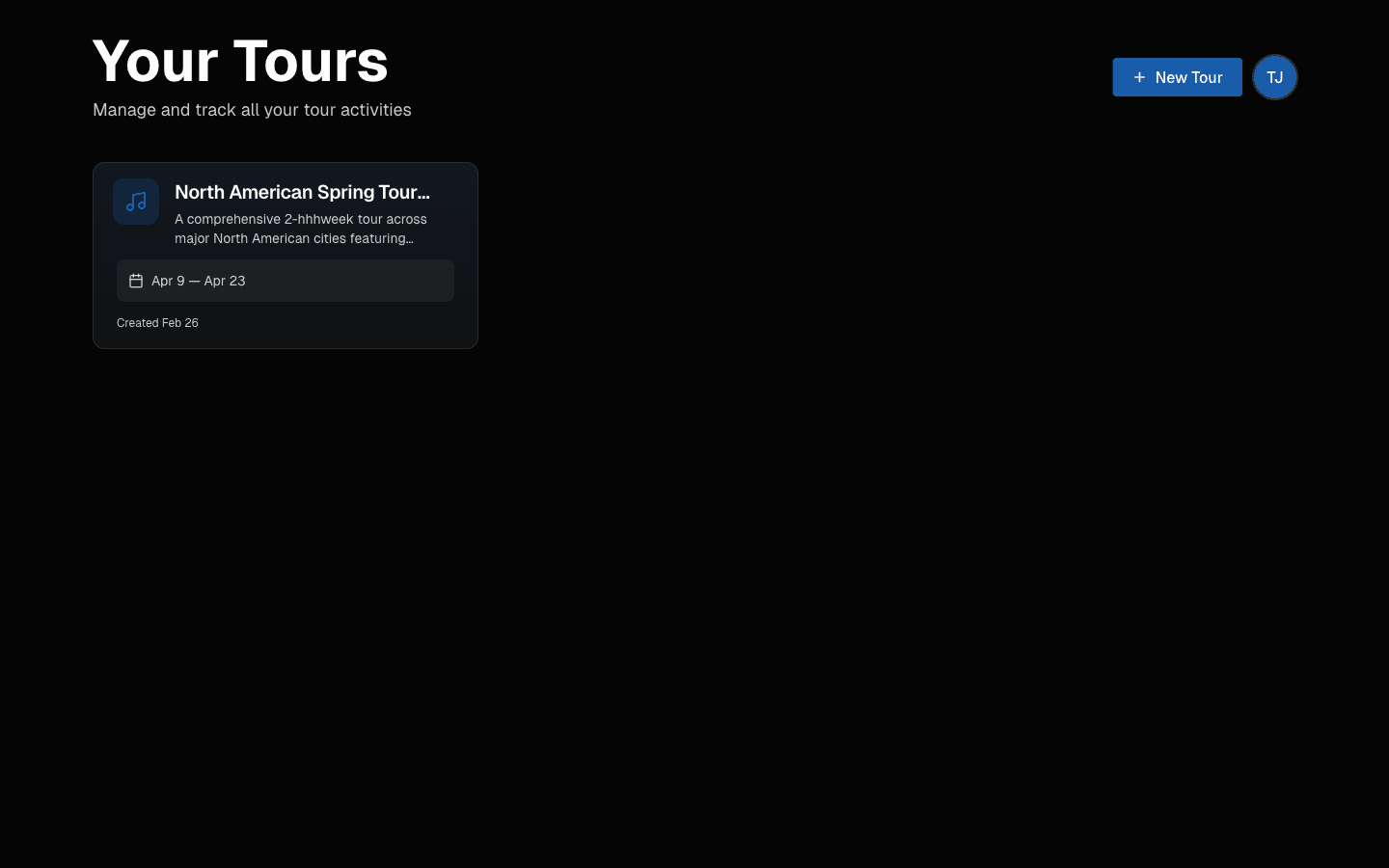 Tour dashboard at a glance.
Choose a Platform
- Desktop + Web: best for setup, schedule building, team access, travel operations, documents, and exports.
- Mobile: best for today’s schedule, travel and hotel details, documents, notifications, profile updates, and quick edits.
Open TourPro Mobile if you are using the phone app.
Start Here
If you are setting up TourPro from desktop or web, read these in order:
Most Common Tasks
- Build and adjust days: Day Management
- Advance a show: Advances
- Run travel and hotels: Travel, Hotels, and Flights
- Import an itinerary: Import Flights with AI
- Work guest lists: Guest List and Approvals
- Keep calendars in sync: Calendar Feeds
- Invite and manage team access: Roles, Permissions, and Groups
- Upload and organize files: Documents Workflow
- Export operational packets: Day Sheets and Export
Important: Your UI Depends on Permissions
TourPro is permission-based.
If you do not see a tab or button mentioned in docs, it usually means your role does not include that permission.
Examples:
- You can view schedule but cannot edit it.
- You can view guest list but cannot approve requests.
- You can download documents but cannot upload/delete.
Ask your tour manager or admin to adjust access.
Need a Fast Fix?
Go to Troubleshooting for quick resolution paths.
Last updated on