Day Management
Day Management is where schedules become operational.
Main Work Area
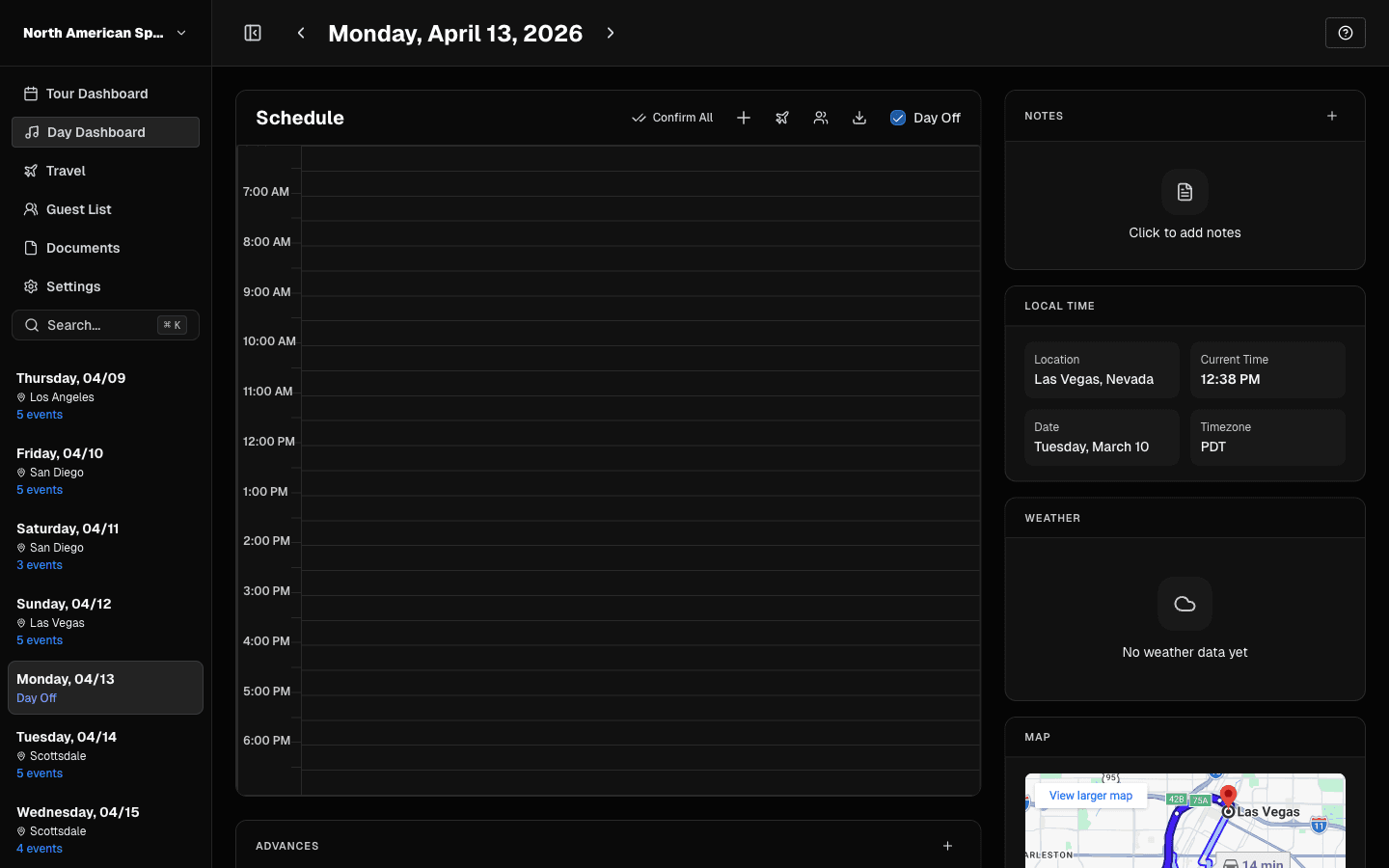 Day Dashboard for one date.
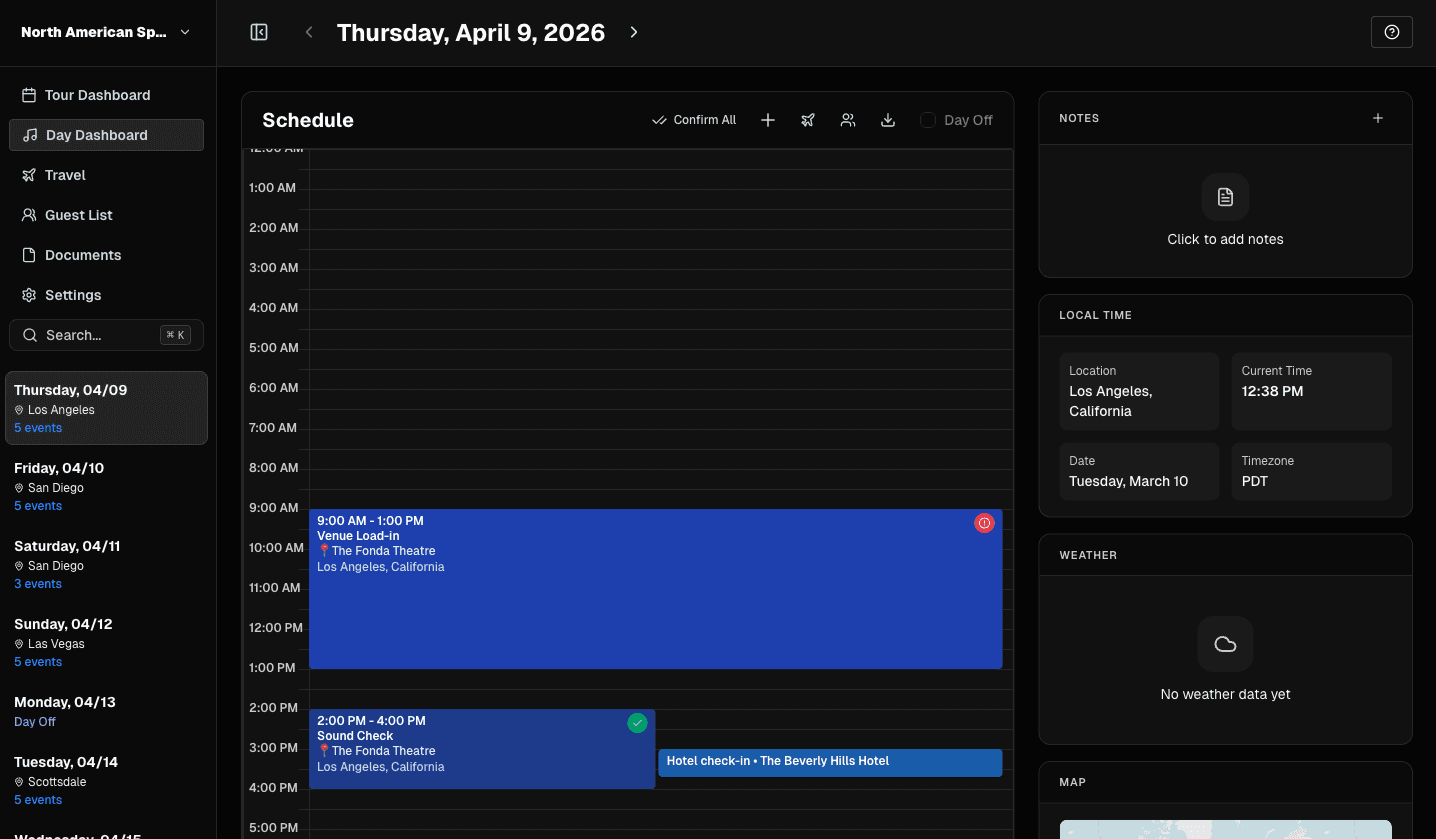 As events are added, the timeline becomes your source of truth.
Use this area to:
- review date-level load
- open/edit events
- confirm event sequencing
What to Manage Every Day
- Event times and titles
- Location accuracy
- Day notes
- Key contacts
- Advances/status context
Documents
The Day Dashboard’s Documents panel lists files assigned to the selected date. Users with Upload documents permission can upload directly to the day, and users with Edit documents permission can assign existing files from the Documents page. The panel follows each file’s visibility settings, so date assignment does not grant anyone additional access. Mobile users can view tour documents from the Documents screen; the mobile Daily View does not have a day-specific Documents panel yet.
Event Editing Rules
- Non-travel events edit in standard event workflows.
- Travel events route to Travel View so flight/ground data stays structured.
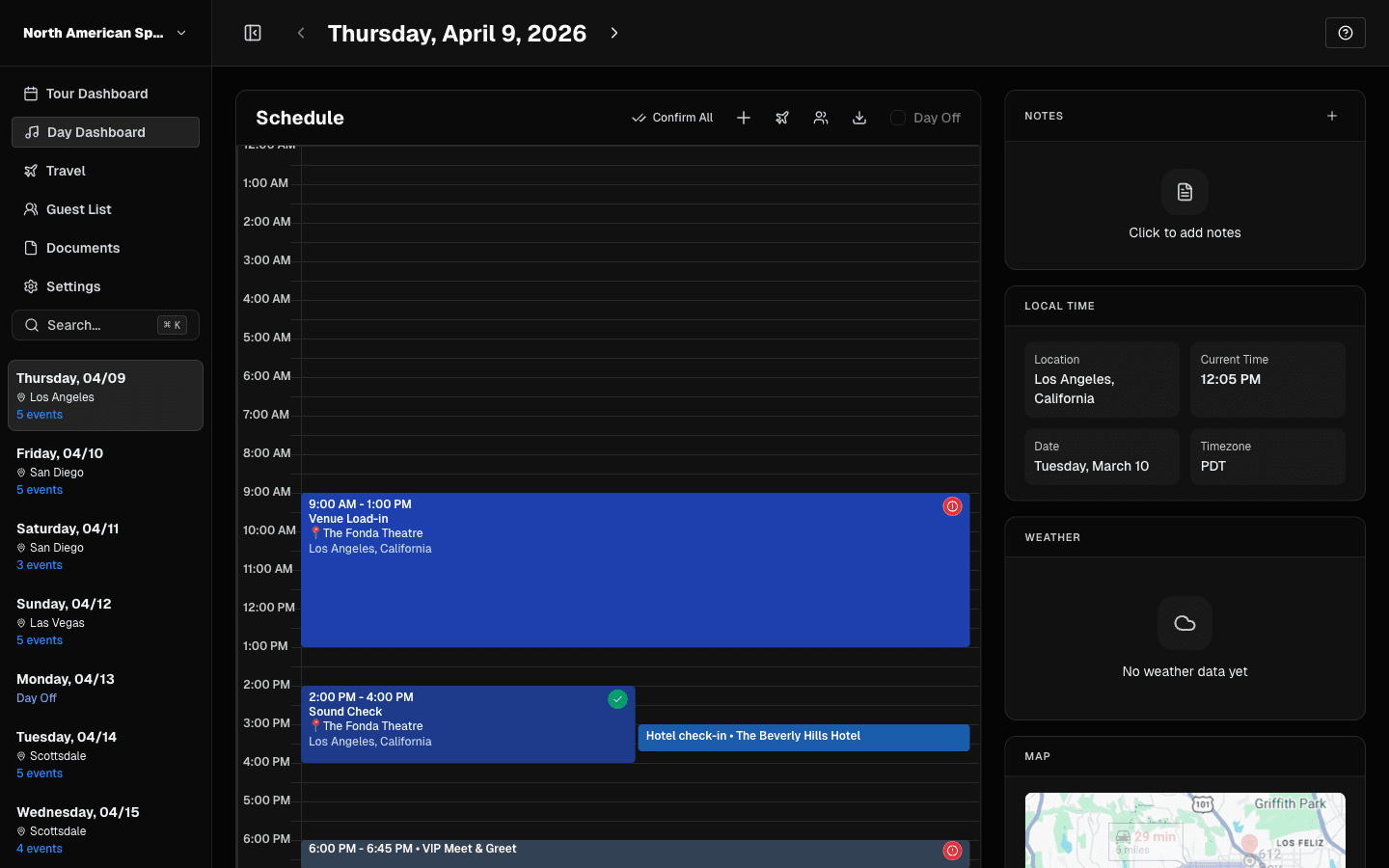 Use event modals to adjust type, time, location, and notes.
Date Navigation
Use either:
- header previous/next controls, or
- sidebar date jump
TourPro keeps navigation within your tour date range.
Before You Finish the Day
- Confirm no placeholder city/state data remains.
- Ensure critical events have start/end times.
- Check that notes are current for crew handoff.
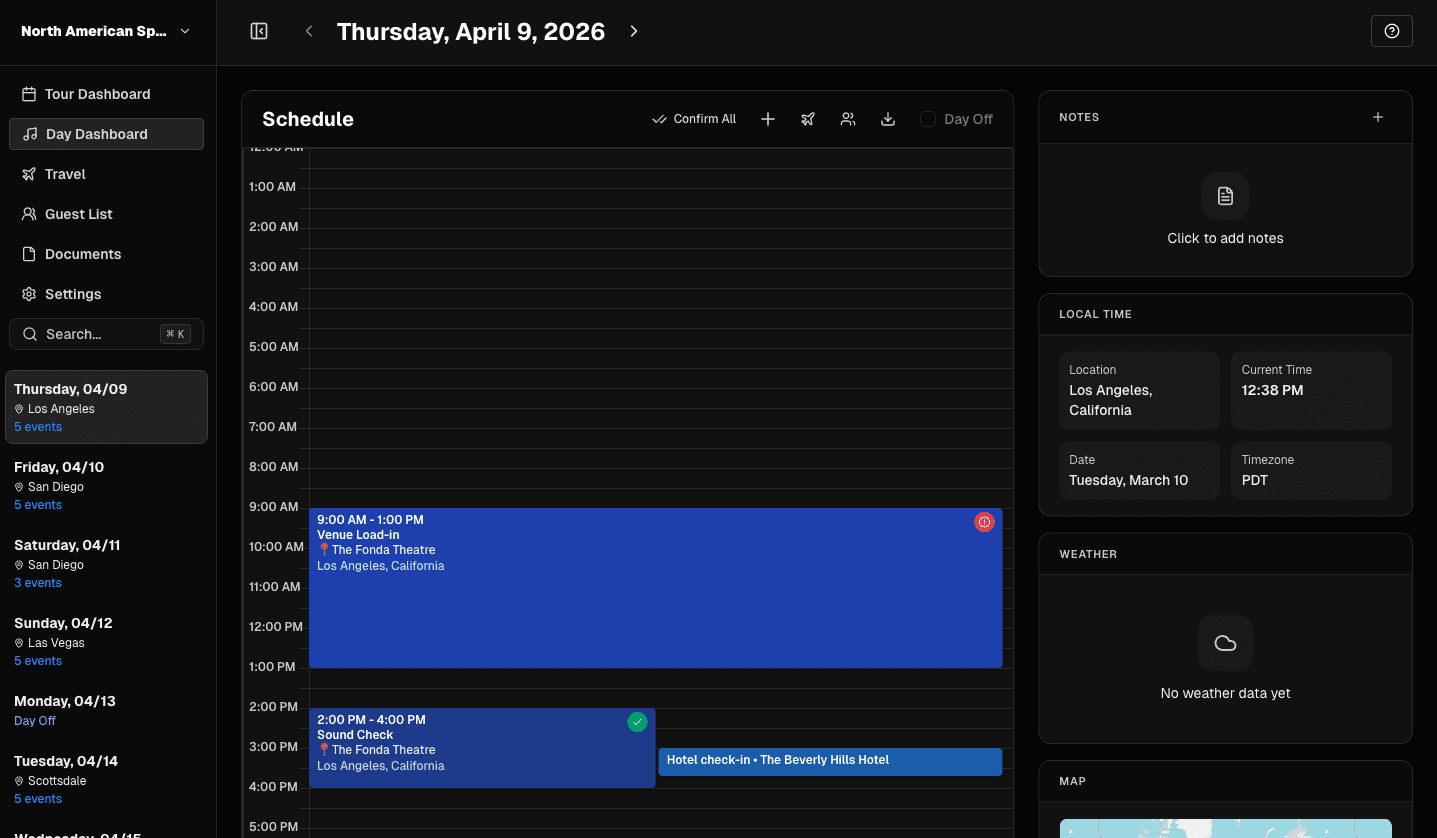 Review advances, hotels, and key contacts before finalizing the day.