Guest List and Approvals
Guest list in TourPro is date-specific and usually tied to show days.
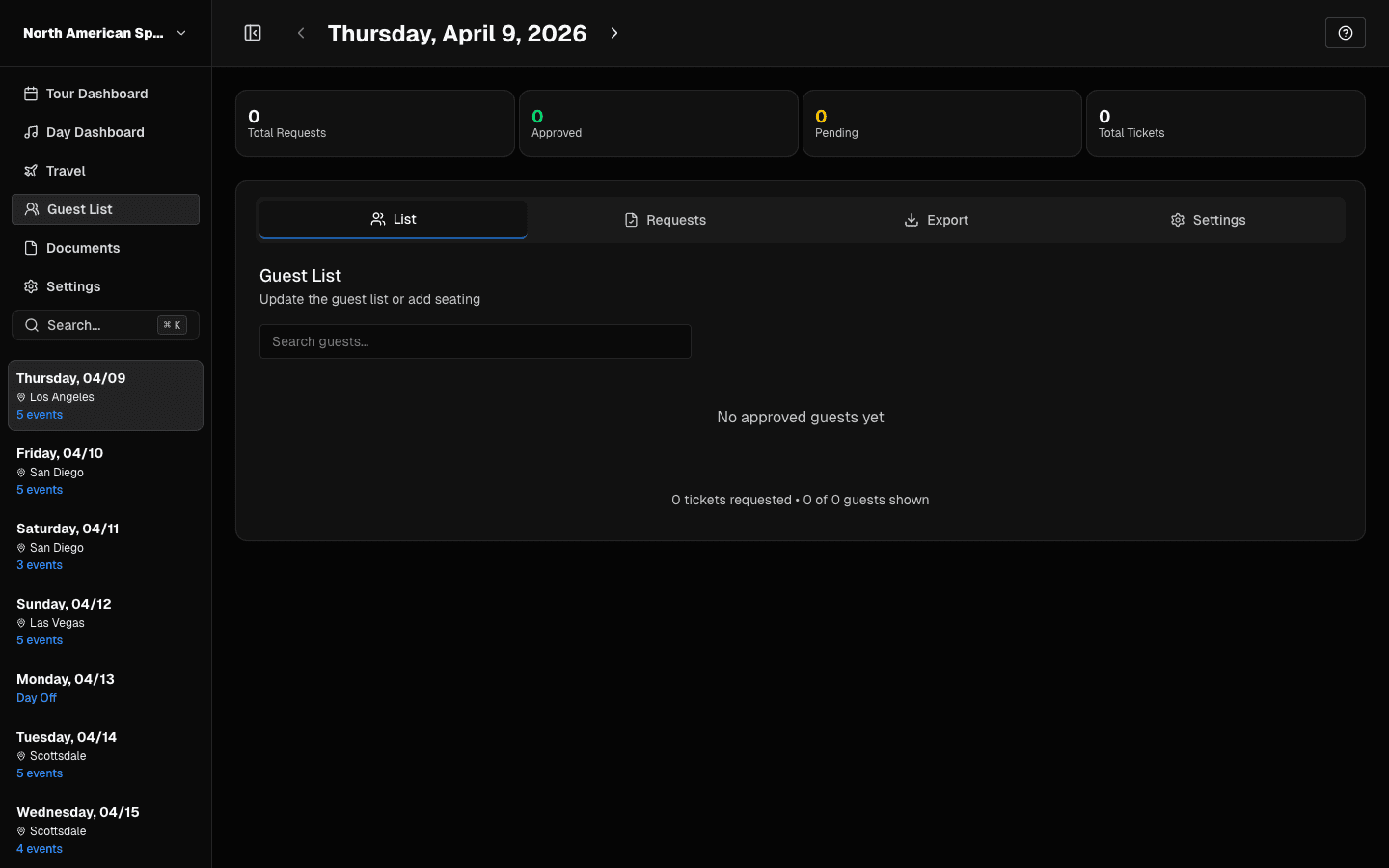 List tab: view approved guests and search entries.
Core Actions
- Add guest entries
- Review incoming requests
- Approve or deny requests
- Configure day-level guest list settings
- Export current list
Permission-Sensitive Controls
Buttons may be hidden if your role is missing:
can_edit_guest_listcan_approve_guests
If you can view but not act, ask your tour admin for access.
Clean Process for Show Day
- Clear pending requests before venue deadline.
- Validate requester fields.
- Export a fresh list after late changes.
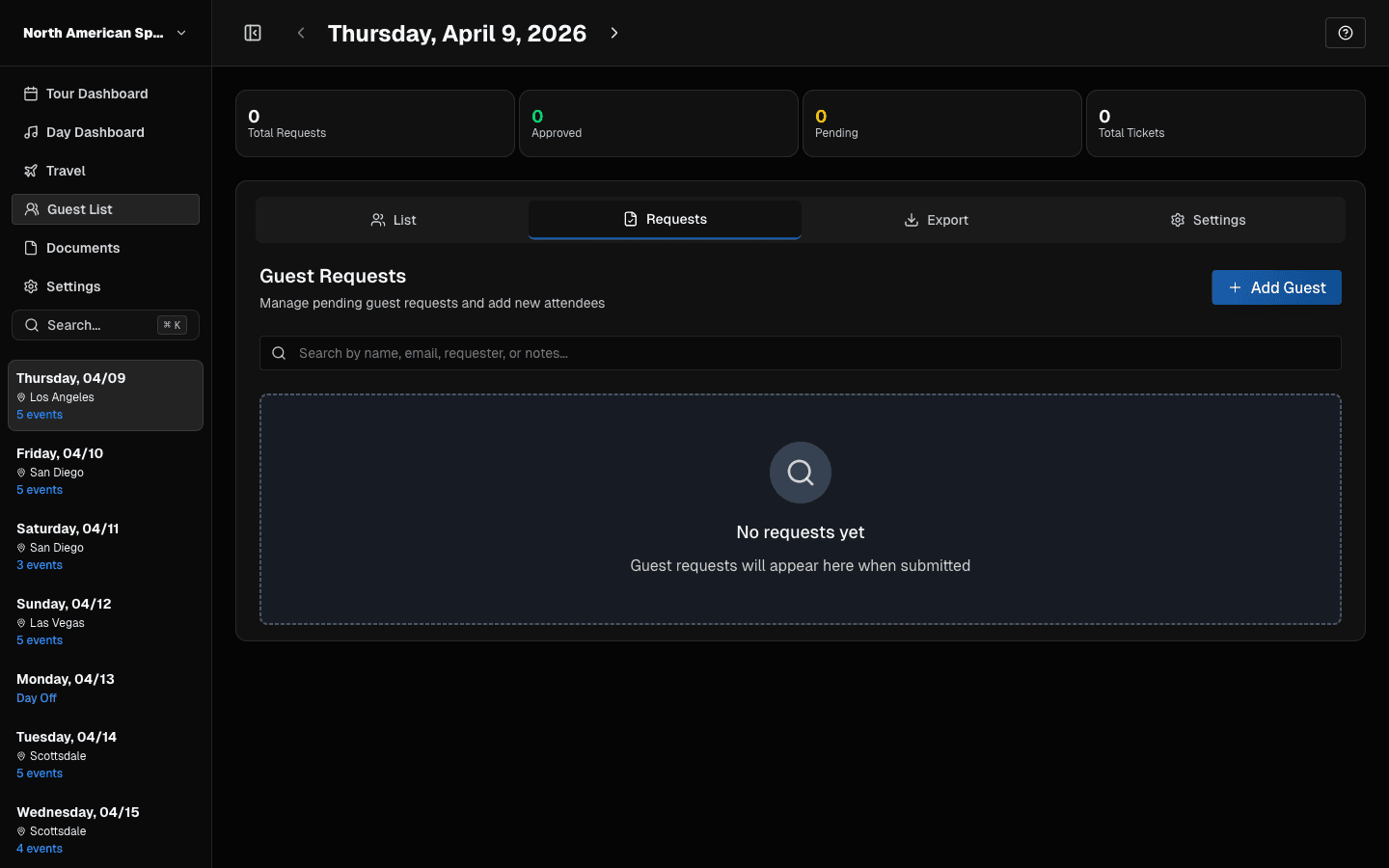 Requests tab: process pending requests and add guests.
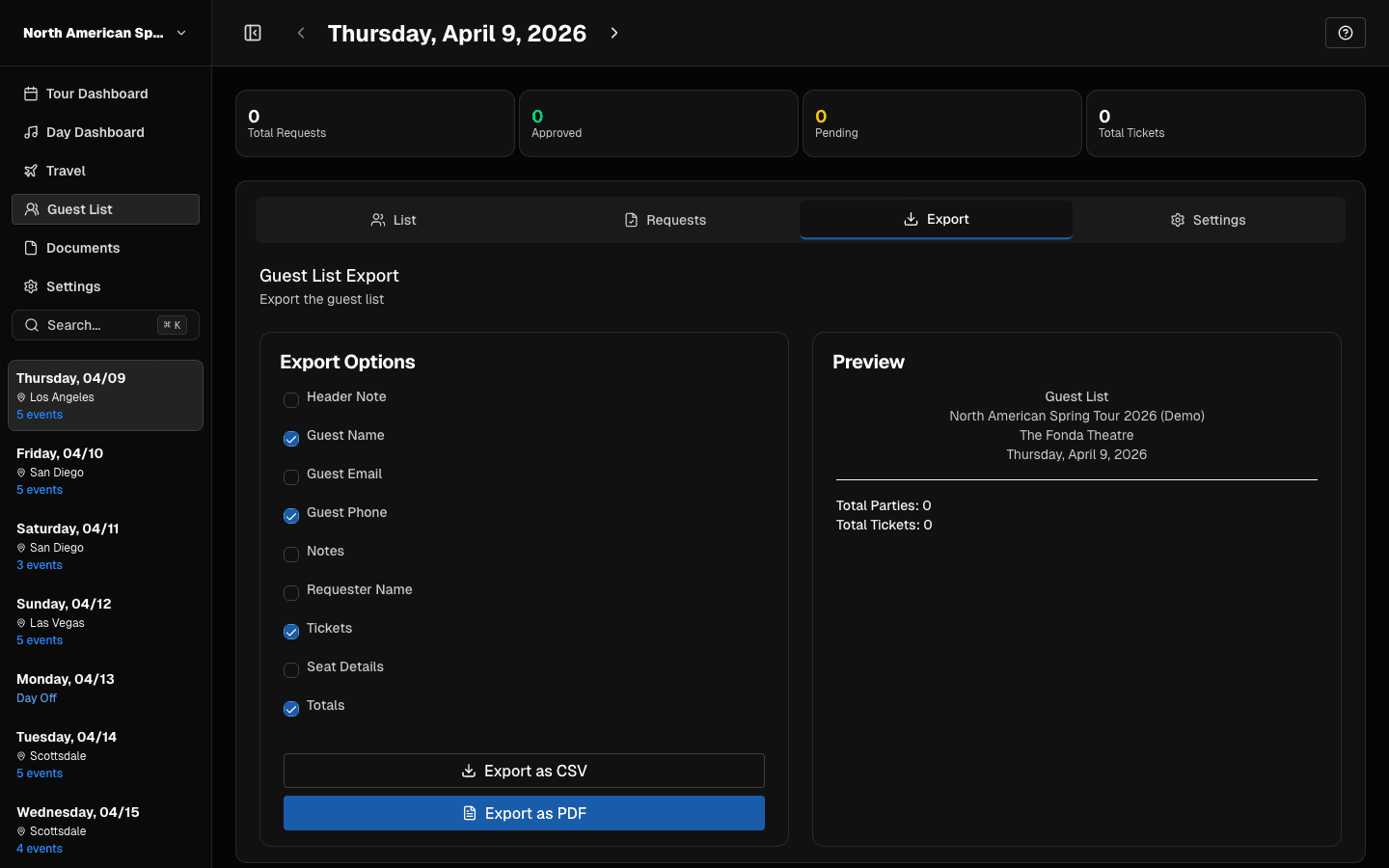 Export tab: choose fields and export CSV or PDF.
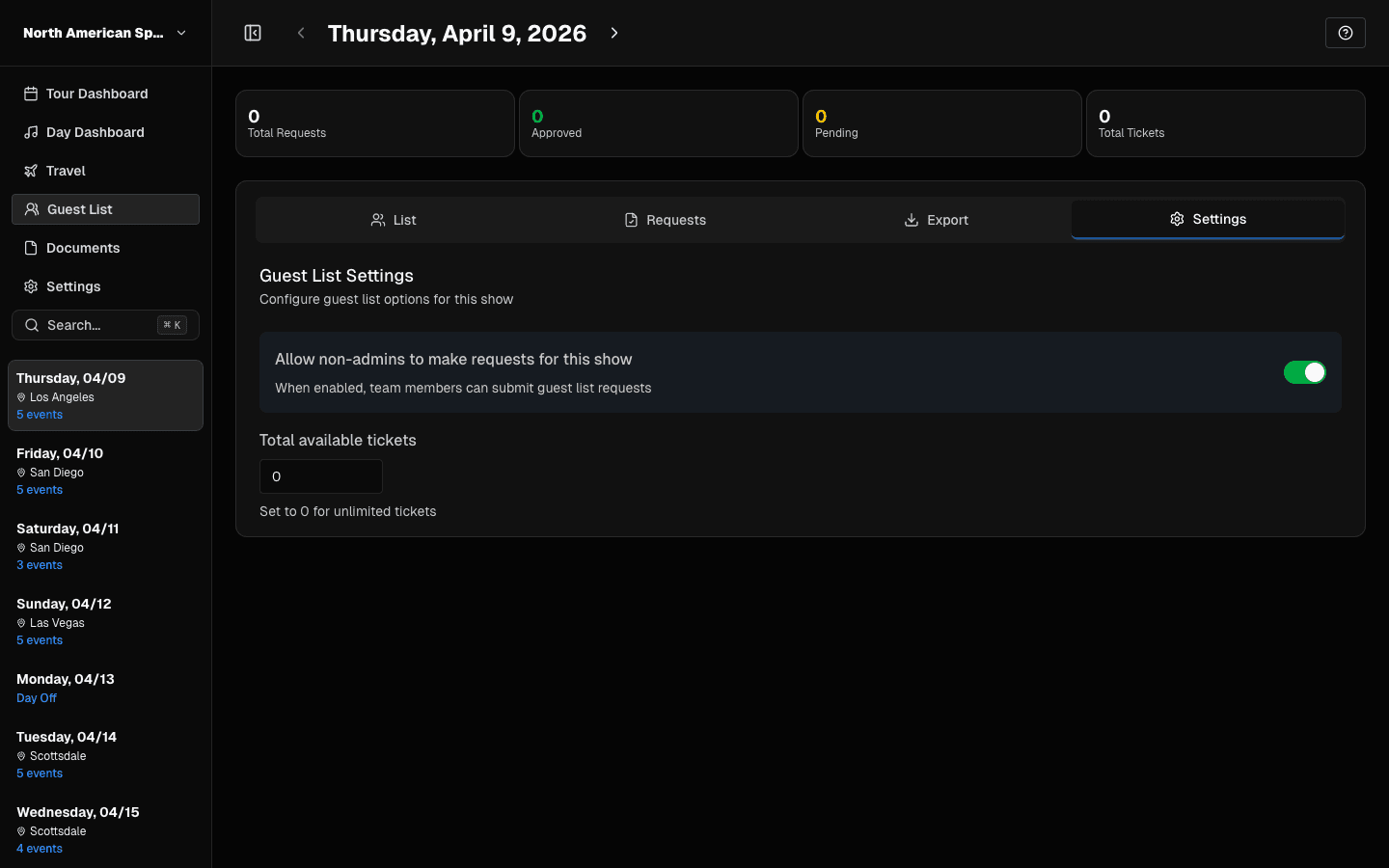 Settings tab: control request permissions and ticket limits.
Common Errors to Avoid
- Leaving request status unresolved close to door time.
- Exporting too early, then not re-exporting after updates.
Last updated on