Advancing a show means confirming every detail with the venue and promoter before you arrive. A good advance is the difference between a calm show day and a scramble. Here is how to do it.
When to Start
Start the advance about two to three weeks before the show, and reconfirm the key times a few days out. International dates, festivals, and shows with complex production need more lead time.
Who to Contact
You need two people for every show:
- The promoter rep for schedule, hospitality, guest list, merch, and settlement
- The venue production manager for stage, power, audio, lighting, loading, and parking
Their details usually come from the booking agent once the contract is signed. On larger tours the production manager advances the technical side while the tour manager handles the rest.
What to Confirm
Use the same checklist for every show so nothing slips. Our free advance sheet template has the full list. The essentials:
Schedule
- Venue access and load-in time
- Soundcheck and line check slots
- Doors, set times, changeover lengths
- Curfew and load-out deadline
Production
- Stage size, house PA and lighting, power
- Loading dock, push distance, stairs or elevators
- Bus and truck parking, shore power
- Local crew numbers and minimum call lengths
Hospitality
- Dressing rooms and showers
- Catering times or meal buyouts
- Wi-Fi
Money and Merch
- Who settles, when, and how payment is made
- Merch split, whether the venue provides sellers
- Current ticket count
Guests and Access
- Guest list cap and deadline
- Will call location
- Credentials and security policy
Send It as One Clear Message
Send one organized email with your questions grouped by section, attach your tech rider, stage plot, and input list, and ask for a reply by a specific date. Follow up once, then call.
Record the Answers in One Place
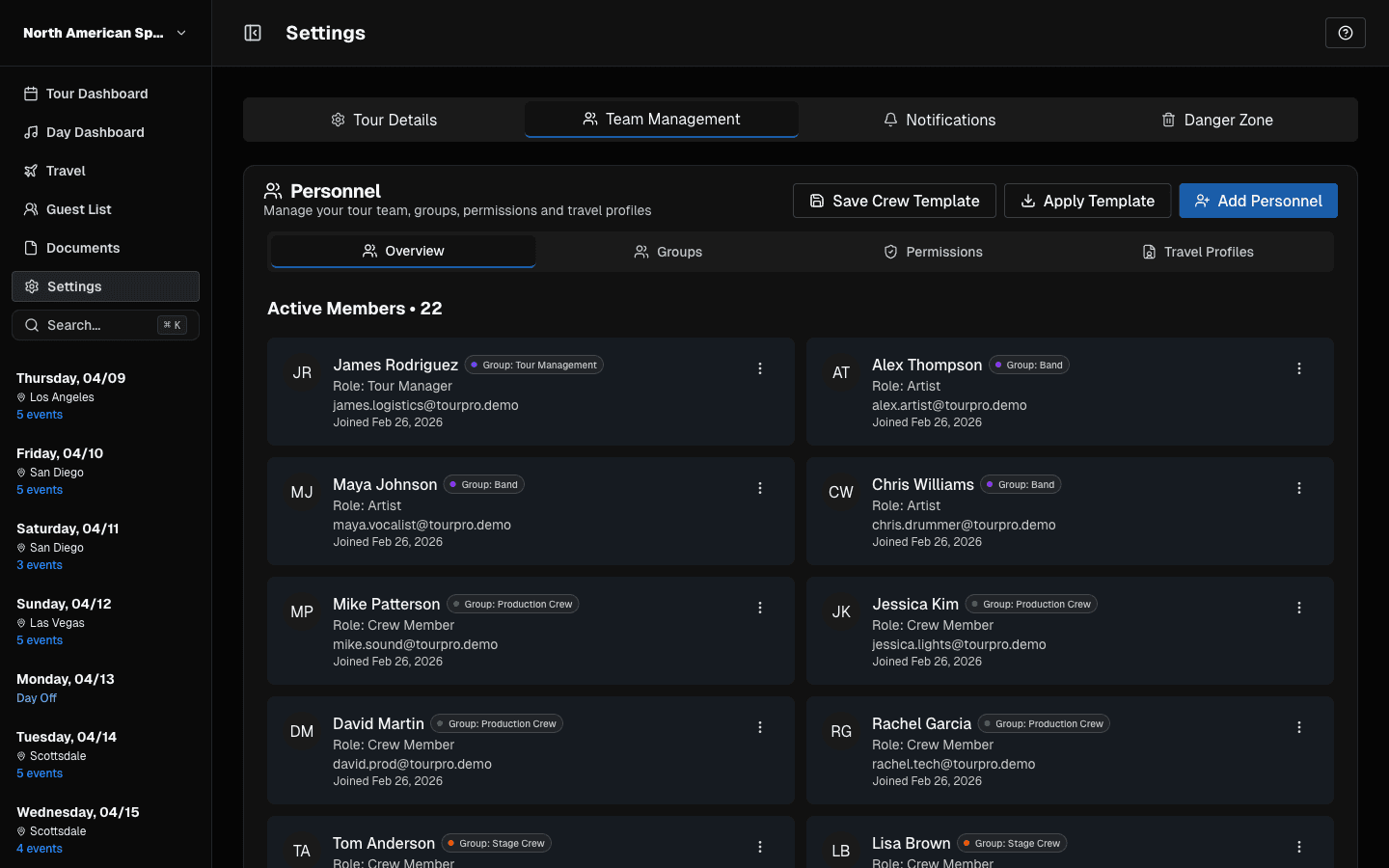
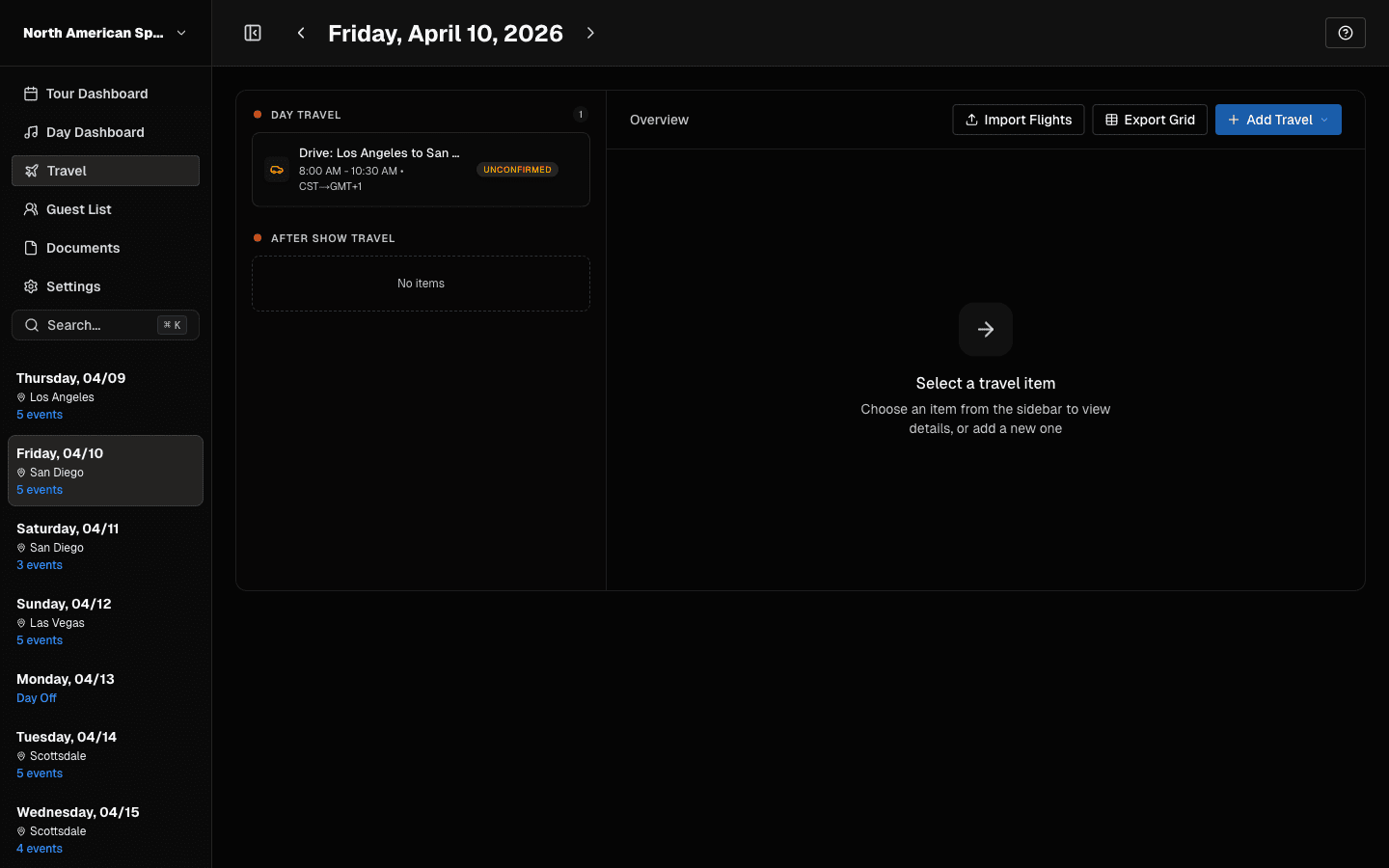
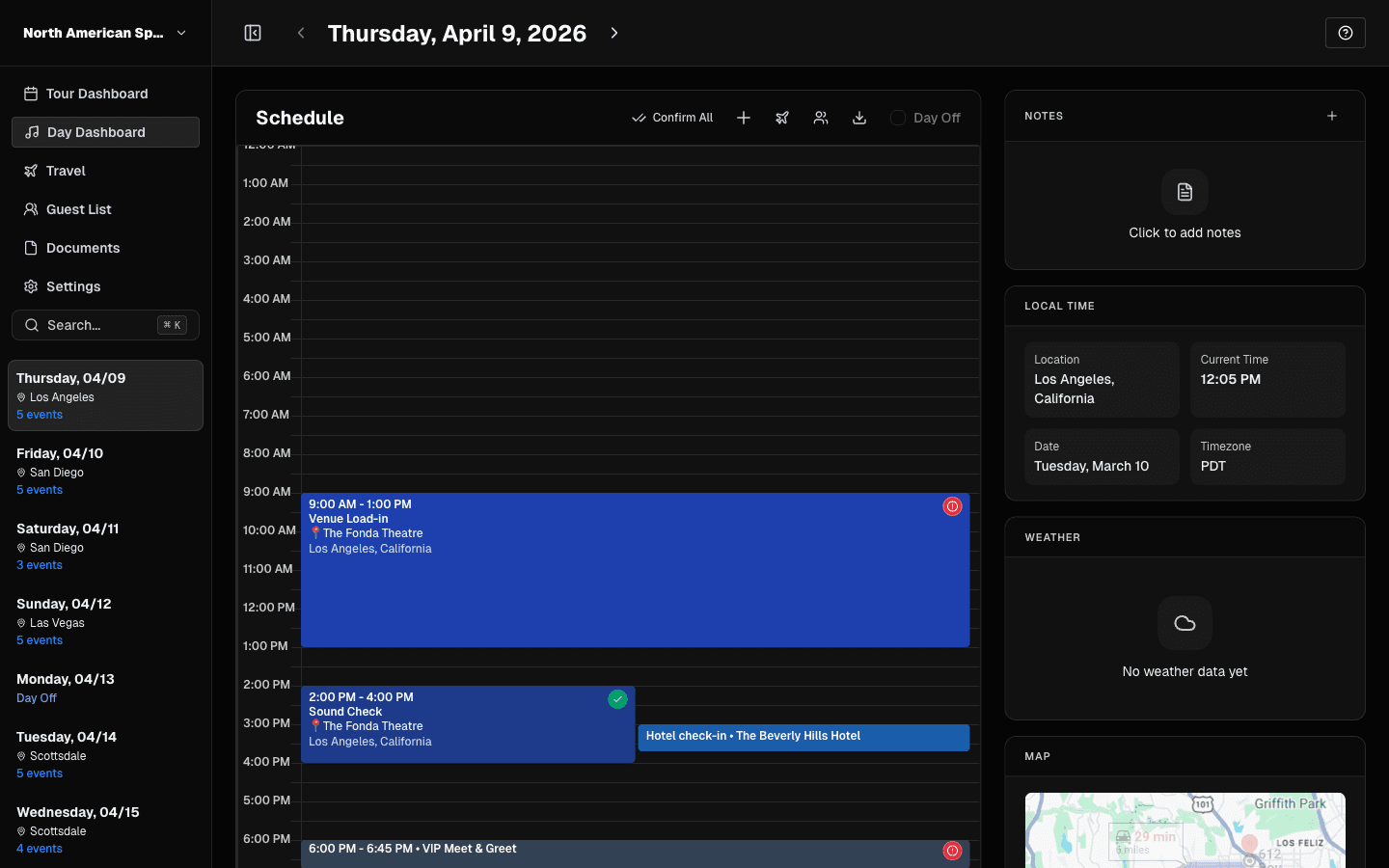
The advance is only useful if the answers end up on the day sheet. Copying details from email threads into a document is where mistakes happen. In TourPro, each date has an advance with fields you design once (venue, schedule, production, contacts, logistics, financial) and fill in as the venue confirms them, so the confirmed details are already in the tour when you build the day.
Advance Checklist
- Contacts confirmed for promoter rep and venue PM
- Schedule confirmed from access to load-out
- Production specs and power confirmed
- Parking for every vehicle confirmed
- Hospitality and buyouts confirmed
- Settlement method and merch terms confirmed
- Guest list cap and deadline confirmed
- Everything copied to the day sheet
For the terms used here, see the tour management glossary.