Routing is the order of cities and dates on a tour. A good route keeps drive times sane, keeps costs down, and gives the band a fair chance of playing well every night. A bad one burns money on fuel and flights and leaves everyone exhausted by week two. This guide covers how to route a tour, what to weigh up, and the mistakes to avoid. For the definition, see routing in the glossary.
Who Routes a Tour?
Usually the booking agent builds the route with the artist's management, and the tour manager reviews it for practicality. If you are the TM, push back early. It is much cheaper to fix a bad route before the shows are confirmed than after.
Step 1: Start With the Anchor Dates
Fixed dates come first: festivals, TV appearances, album release shows, and any hometown date that has to land on a specific day. Everything else is routed around them.
Step 2: Group by Region
Cluster shows geographically and move through regions in a line rather than zigzagging. Look for natural loops, and avoid doubling back over ground you have already covered unless a market justifies it.
Step 3: Check the Drive Times
For each leg, estimate the real travel time, not the optimistic map time. Allow for traffic, border crossings, weather, and load-out time. As a rule of thumb used by many tour managers, if a drive is long enough to cut into sleep or soundcheck, either add a day off, add a hotel stop, or change the route. Our glossary entry on drive days explains how these are scheduled.
Step 4: Decide Between Driving and Flying
| Factor | Driving | Flying |
|---|---|---|
| Best for | Short and medium legs, small parties | Long legs, international dates, tight schedules |
| Cost drivers | Fuel, vehicle hire, driver, tolls | Tickets, baggage, excess freight, ground transfers |
| Risk | Breakdowns, traffic, driver fatigue | Cancellations, missed connections, baggage loss |
Compare the full cost of each option for the whole party, including gear. On fly dates, remember the ground transport on both ends.
Step 5: Build In Days Off
Days off are not wasted. They are insurance. Place them after long drives, at the end of a run of consecutive shows, and in cities where the band can actually rest. A tour with no breaks pays for it in sick days, cancelled shows, and performance quality.
Step 6: Check the Hotels and Room Blocks
Once the route is stable, work out where you need hotels, and whether any days need a day room. Build the rooming list from the final route. More in our rooming list template.
Step 7: Check the Budget
Total up the drive costs, flights, hotels, and per diems for the route and compare them against the tour budget. If the route is too expensive, change it before the budget has to give. See how to budget a tour.
Common Routing Mistakes
- Booking back-to-back shows with an impossible drive between them
- Ignoring local holidays, sports events, and festivals that fill hotels and raise prices
- Routing through a border without time for customs and carnets
- Leaving the load-in time to chance on drive days
- Not telling the whole team when the route changes
Tour Routing Software
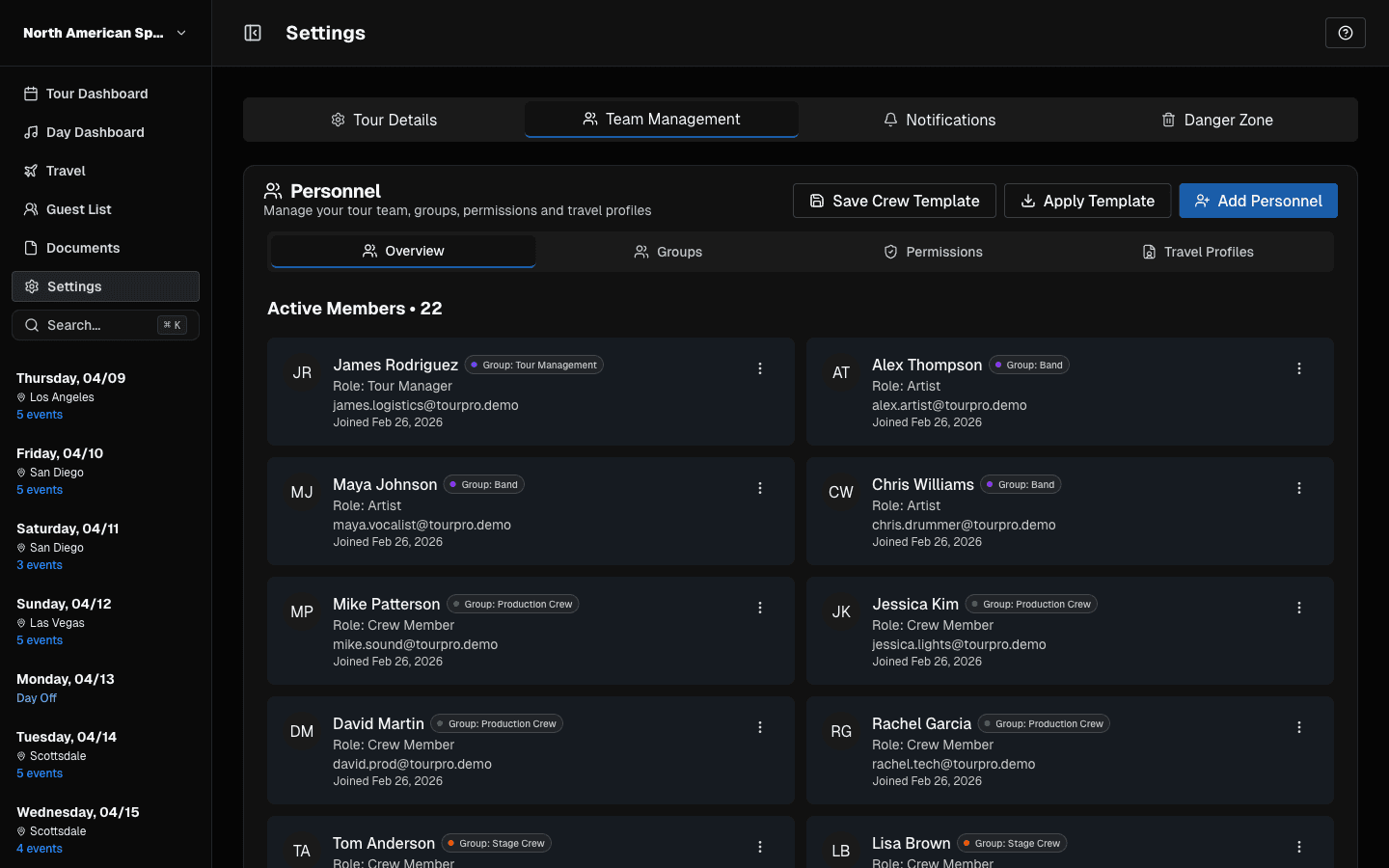
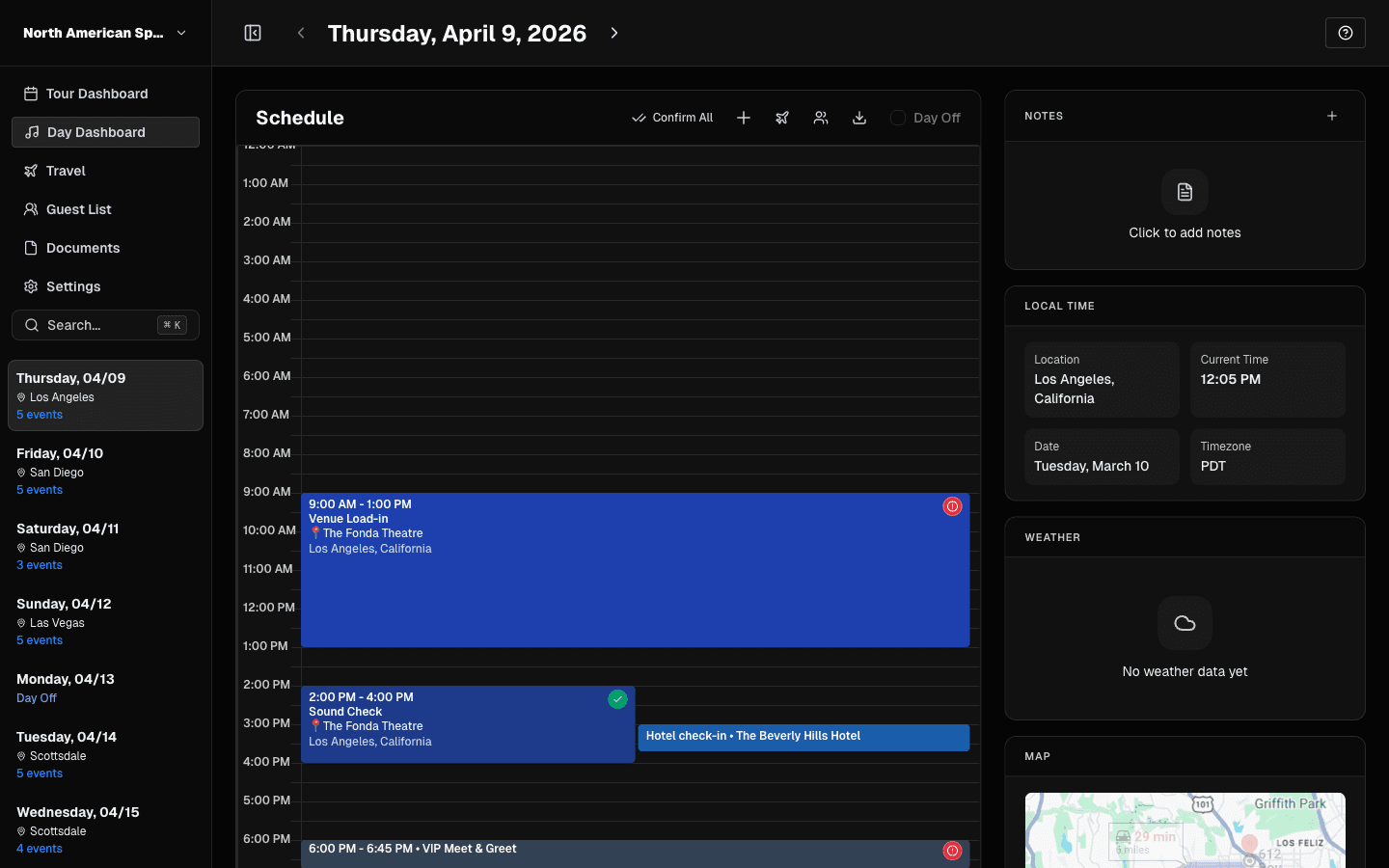
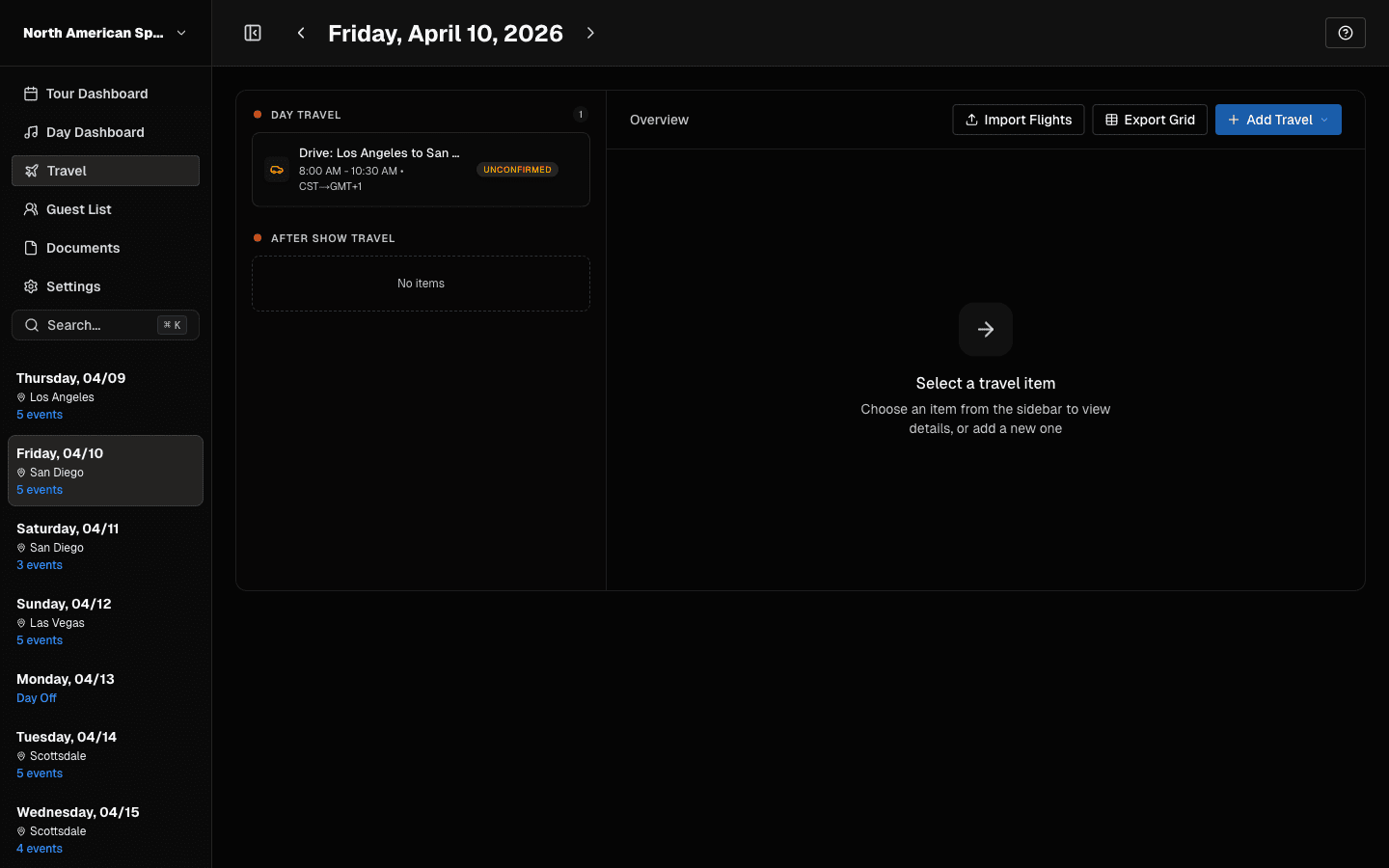
You can route a tour on a map and a spreadsheet, but most teams move the confirmed route into a tour management tool so everyone sees one version. Routing itself, meaning the choice of city order, is still mostly a human and booking-agent decision. What the software handles is everything after: the schedule, travel, hotels, and day sheets built from the route. We compare the options in our roundup of tour management software.
TourPro lets you build the schedule date by date, add flights, hotels, and ground transport, and generates the day sheet automatically. It is free for teams up to 5.