This section covers first-time setup.
What You Need Before You Begin
- Tour name
- Tour start and end dates
- Basic city/venue plan
- Initial team list
- A plan choice: Pricing and Plans
First-Time Flow
- Sign in.
- Complete profile/onboarding if prompted.
- If needed, install the desktop app: Install TourPro Desktop.
- Open Dashboard.
- Select New Tour.
- Finish the 3-step creation wizard.
- Run schedule onboarding.
- Continue to full schedule management.
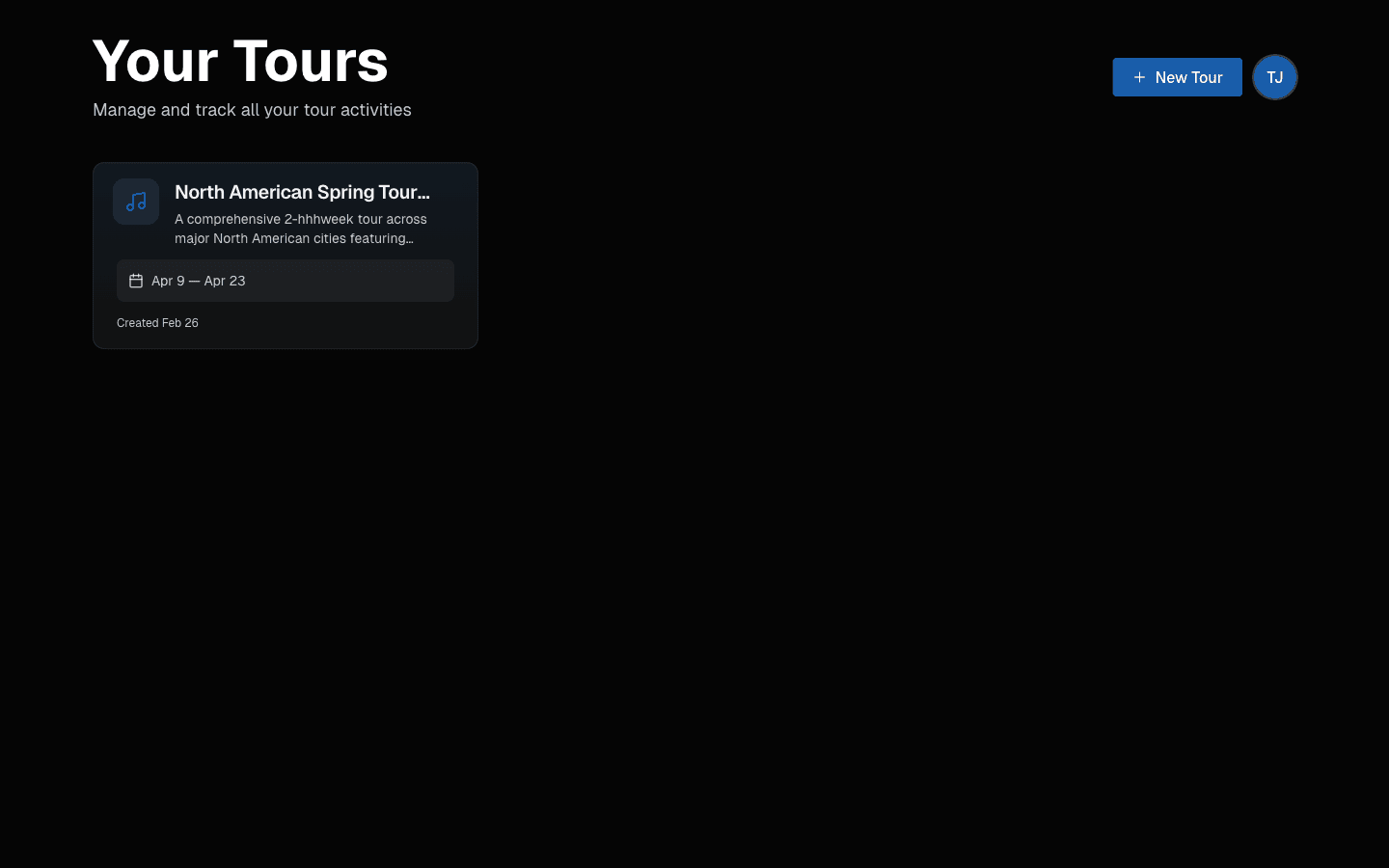 Start on Your Tours and click New Tour.
Where New Users Usually Get Stuck
- Unclear date range: finalize dates first, then create.
- Skipping all onboarding without any configured days: save at least your first few key dates.
- Missing buttons: usually permission-related.
Next: Create Your First Tour
Last updated on