Use Travel View for transportation and accommodations.
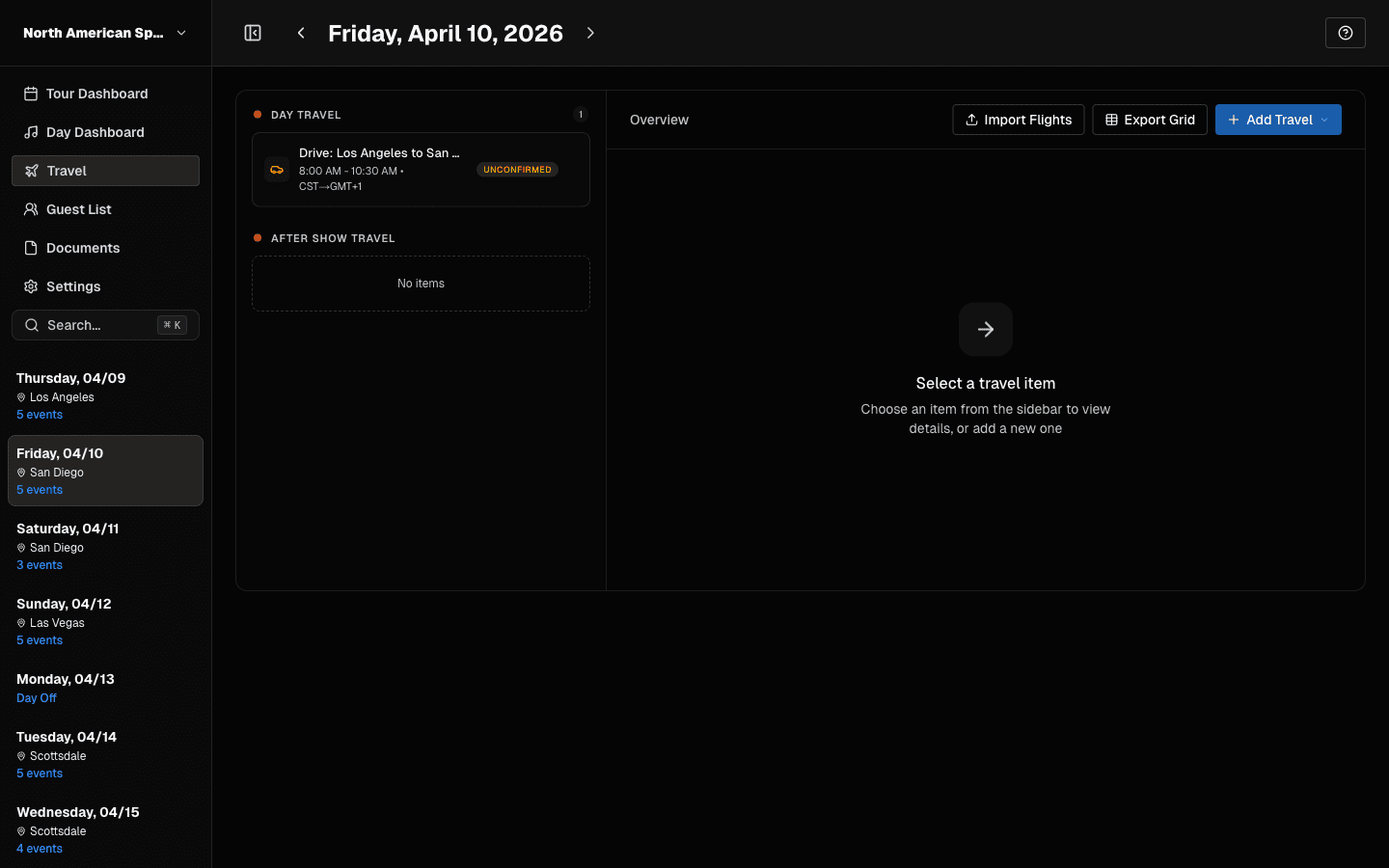 Travel view starts empty until you add travel items.
Travel Events
Travel events can carry:
- flight details (including legs)
- ground transport details
- timing and routing updates
Travel is managed in its own workflow to prevent broken or partial travel records.
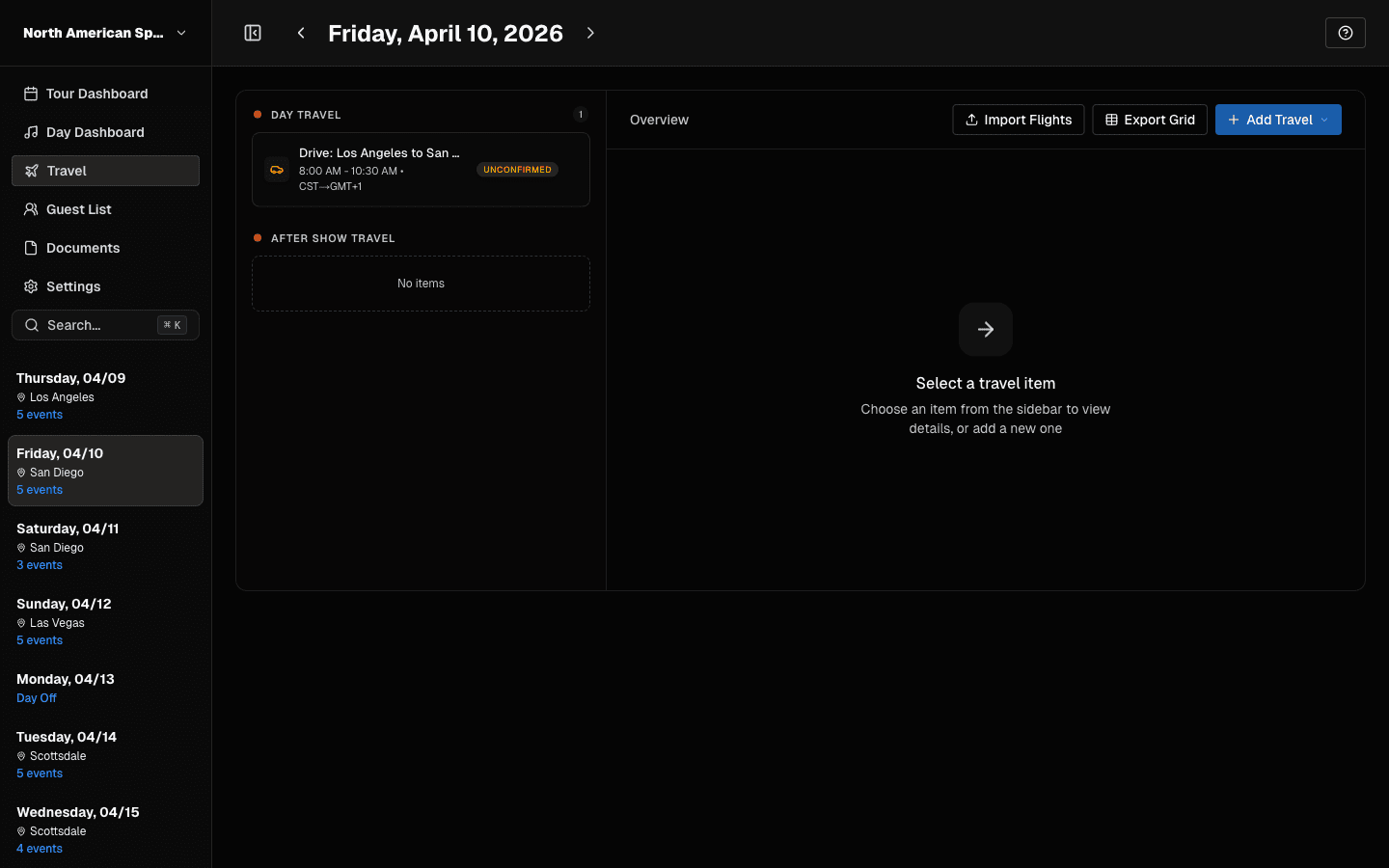 Ground, air, rail, and sea each have structured forms.
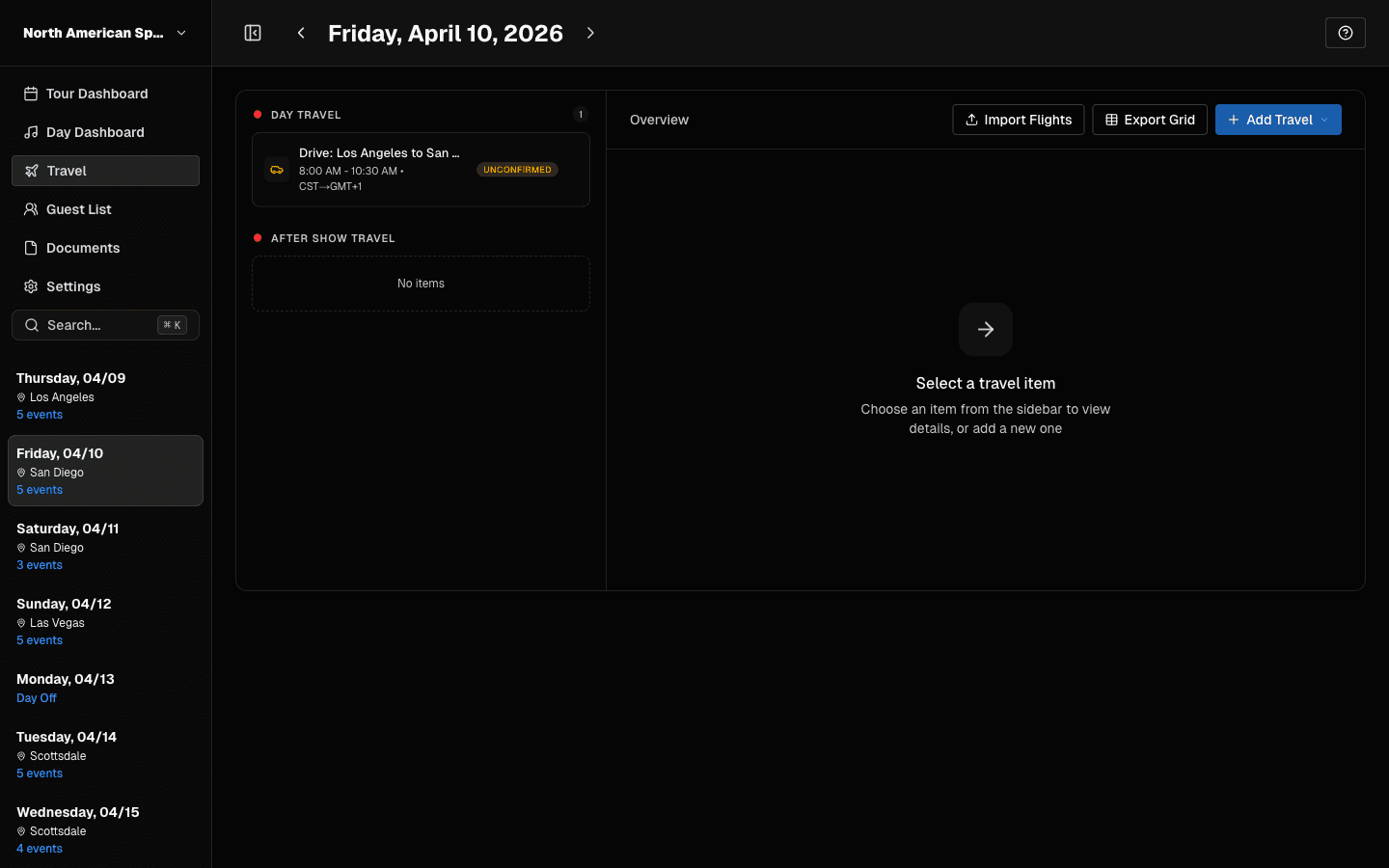 Create Flight: enter airline, flight number, and legs.
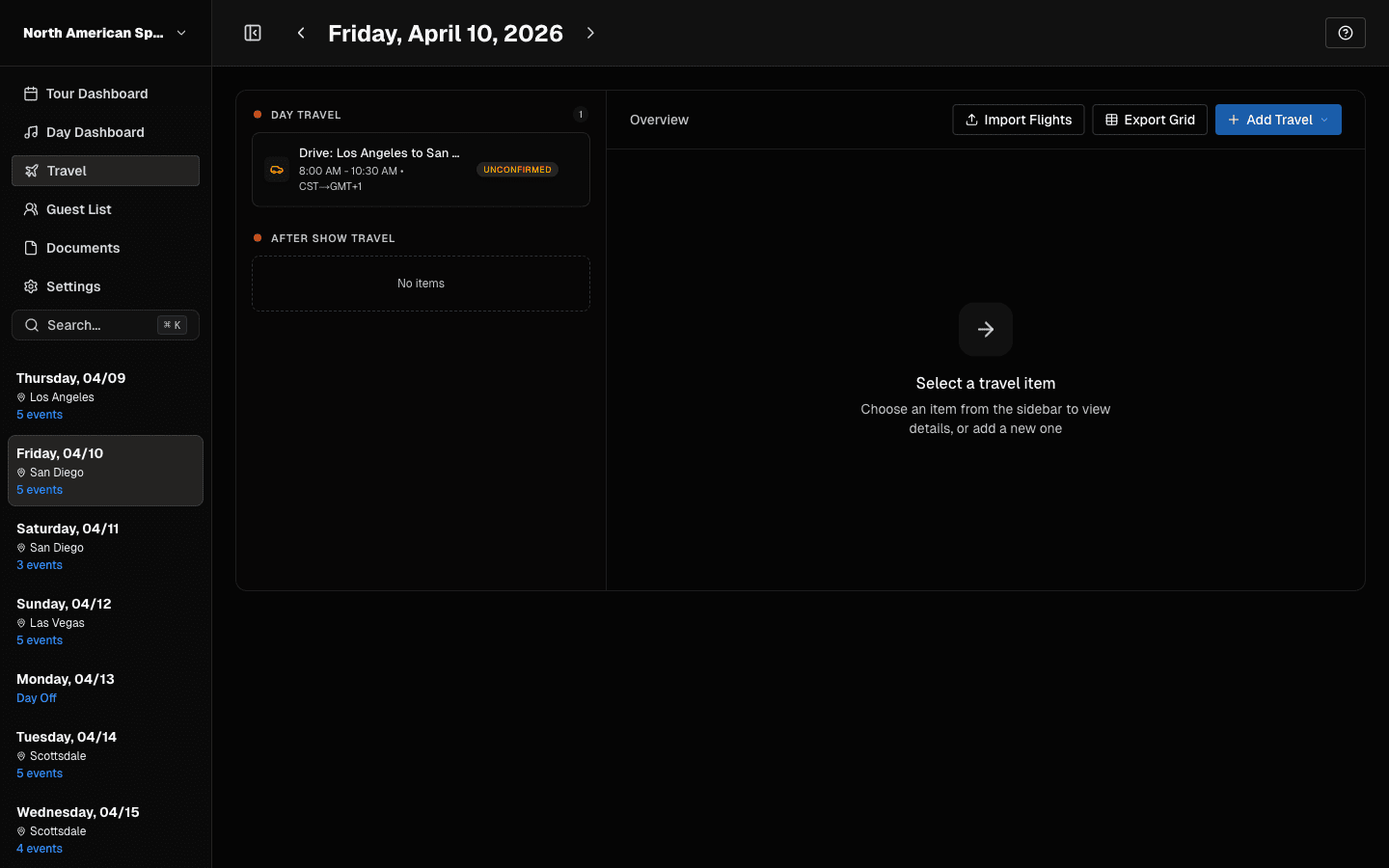 After saving flight details, add passengers from your team.
Hotels
Hotel workflows support:
- property details
- check-in/check-out dates and times
- confirmation numbers
- guest assignment context
Operational Best Practices
- Enter confirmation numbers as soon as booking is finalized.
- Keep check-in/check-out times current for day-sheet accuracy.
- Validate timezone-sensitive travel before publishing final run-of-day notes.
If Something Looks Wrong
If travel appears out of sequence, verify:
- correct date is selected,
- event type is truly
travel, and - check-in/check-out dates span intended nights.
Last updated on