Day Management is where schedules become operational.
Main Work Area
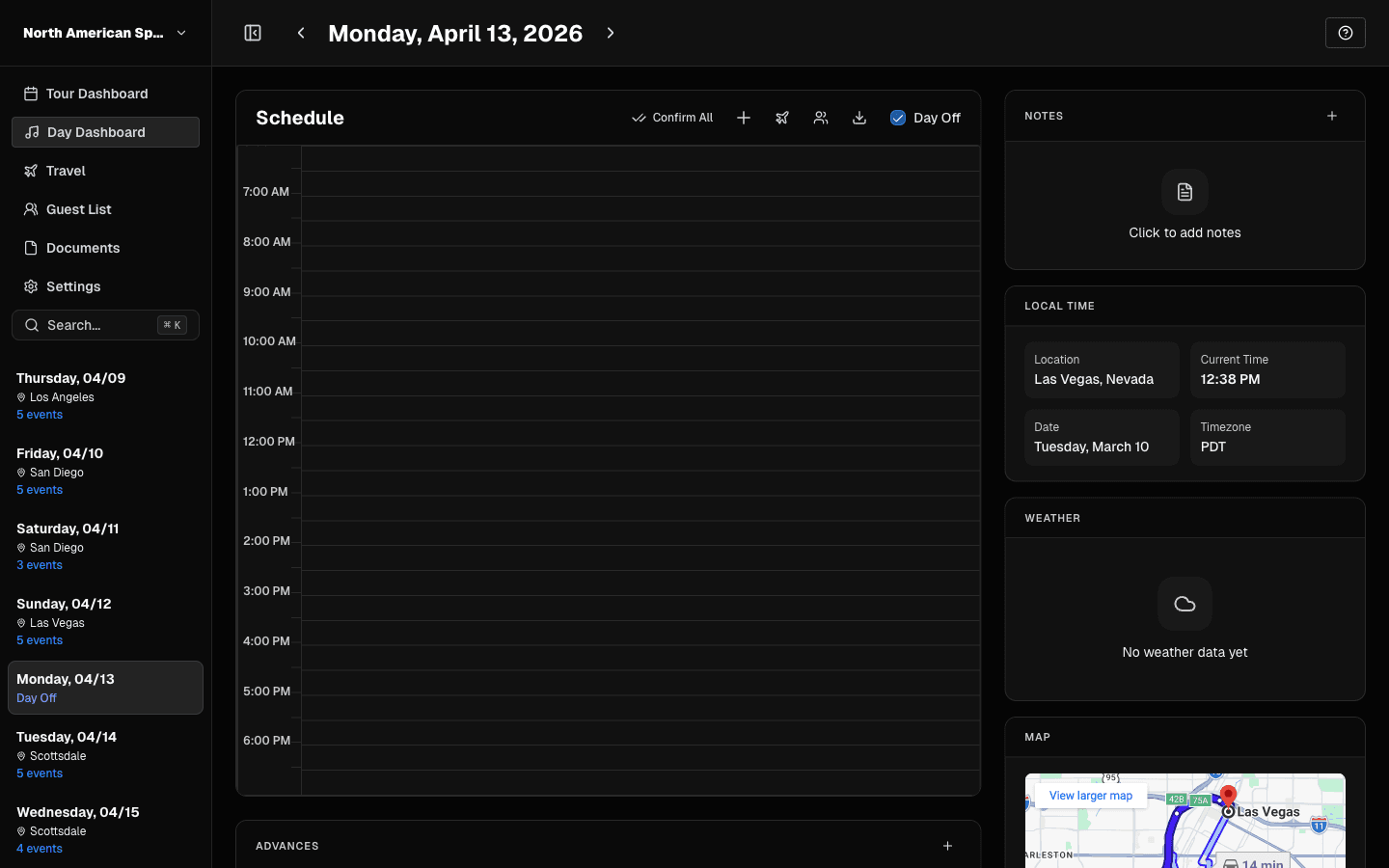 Day Dashboard for one date.
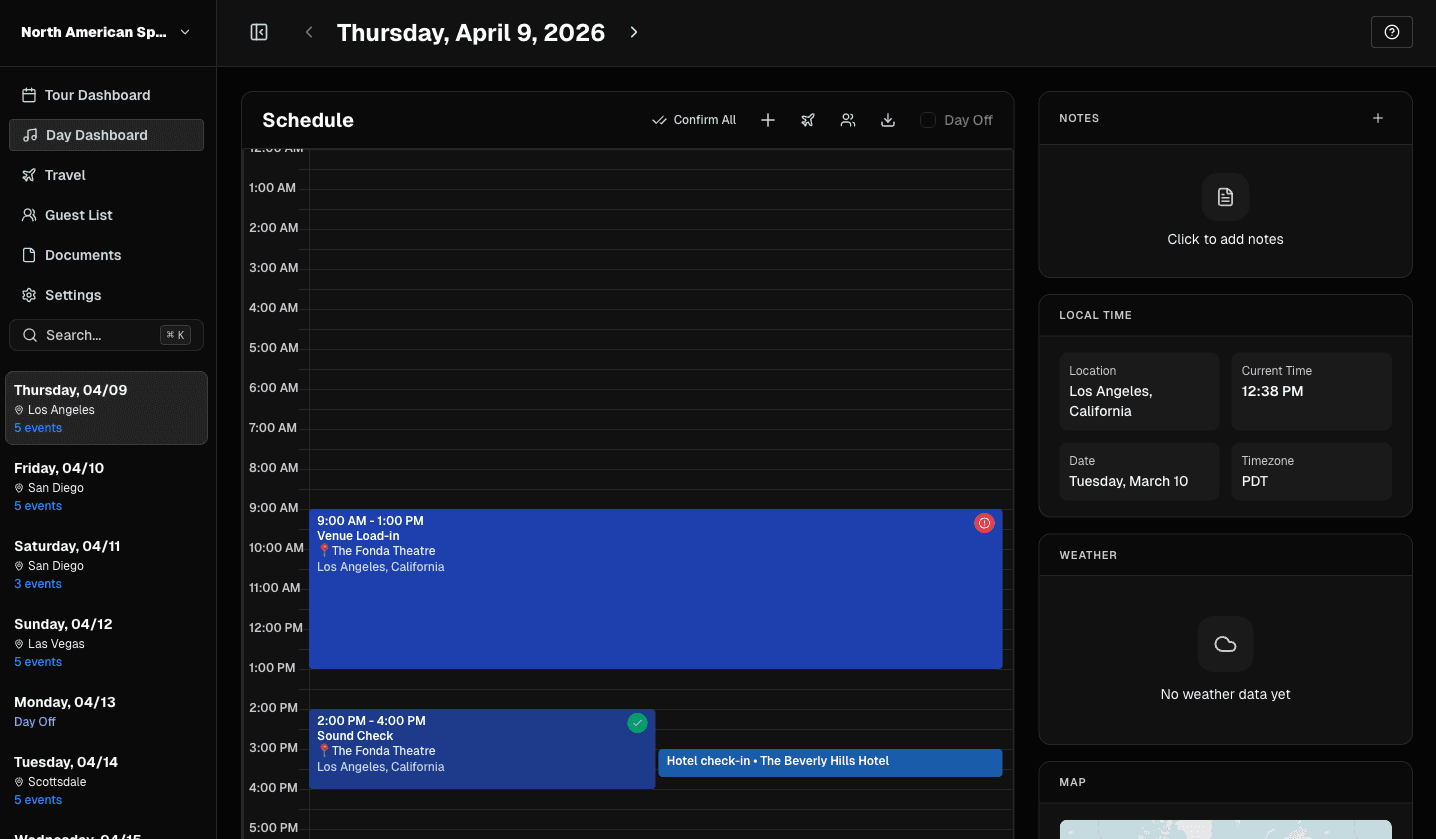 As events are added, the timeline becomes your source of truth.
Use this area to:
- review date-level load
- open/edit events
- confirm event sequencing
What to Manage Every Day
- Event times and titles
- Location accuracy
- Day notes
- Key contacts
- Advances/status context
Event Editing Rules
- Non-travel events edit in standard event workflows.
- Travel events route to Travel View so flight/ground data stays structured.
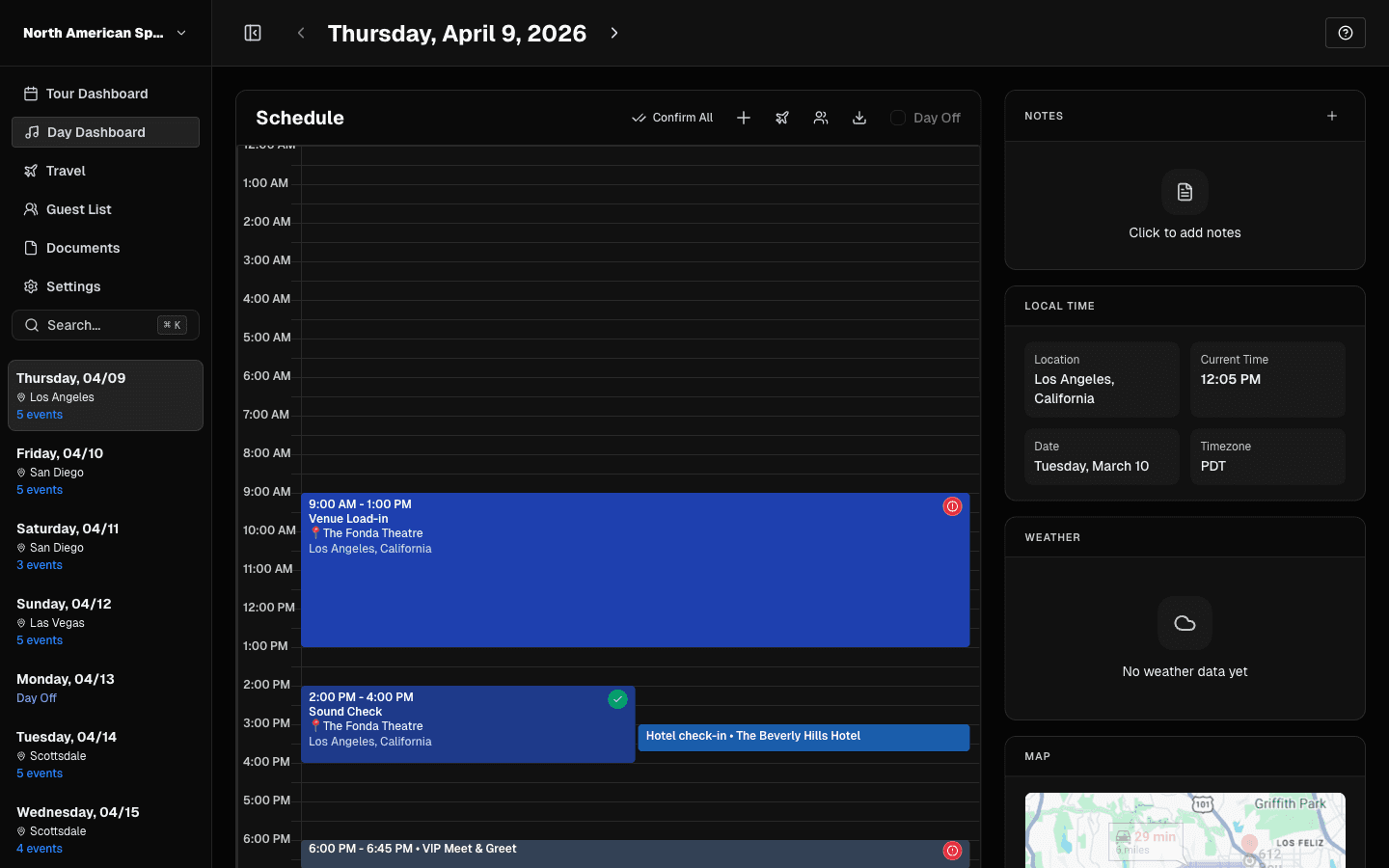 Use event modals to adjust type, time, location, and notes.
Date Navigation
Use either:
- header previous/next controls, or
- sidebar date jump
TourPro keeps navigation within your tour date range.
Before You Finish the Day
- Confirm no placeholder city/state data remains.
- Ensure critical events have start/end times.
- Check that notes are current for crew handoff.
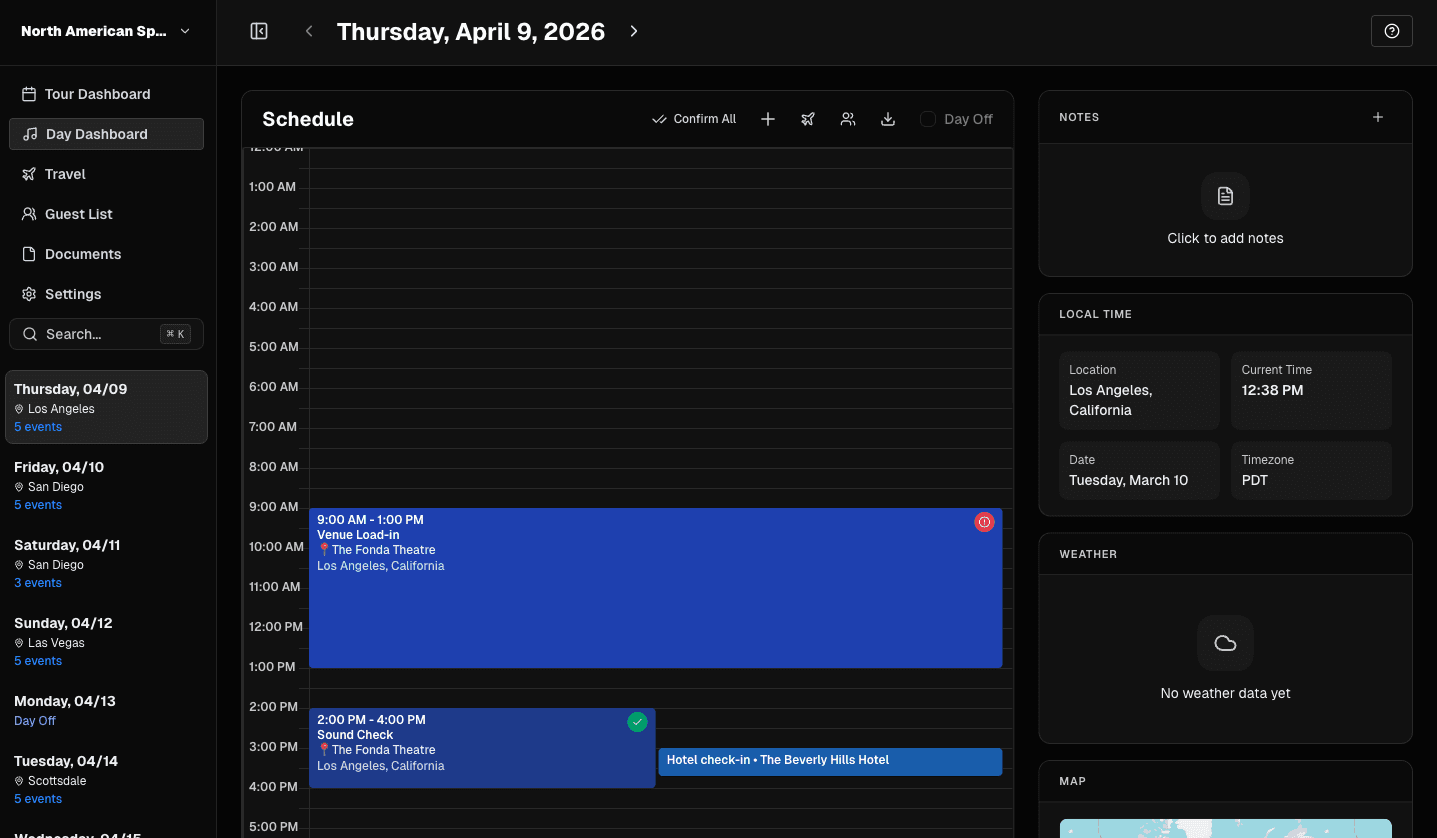 Review advances, hotels, and key contacts before finalizing the day.
Last updated on