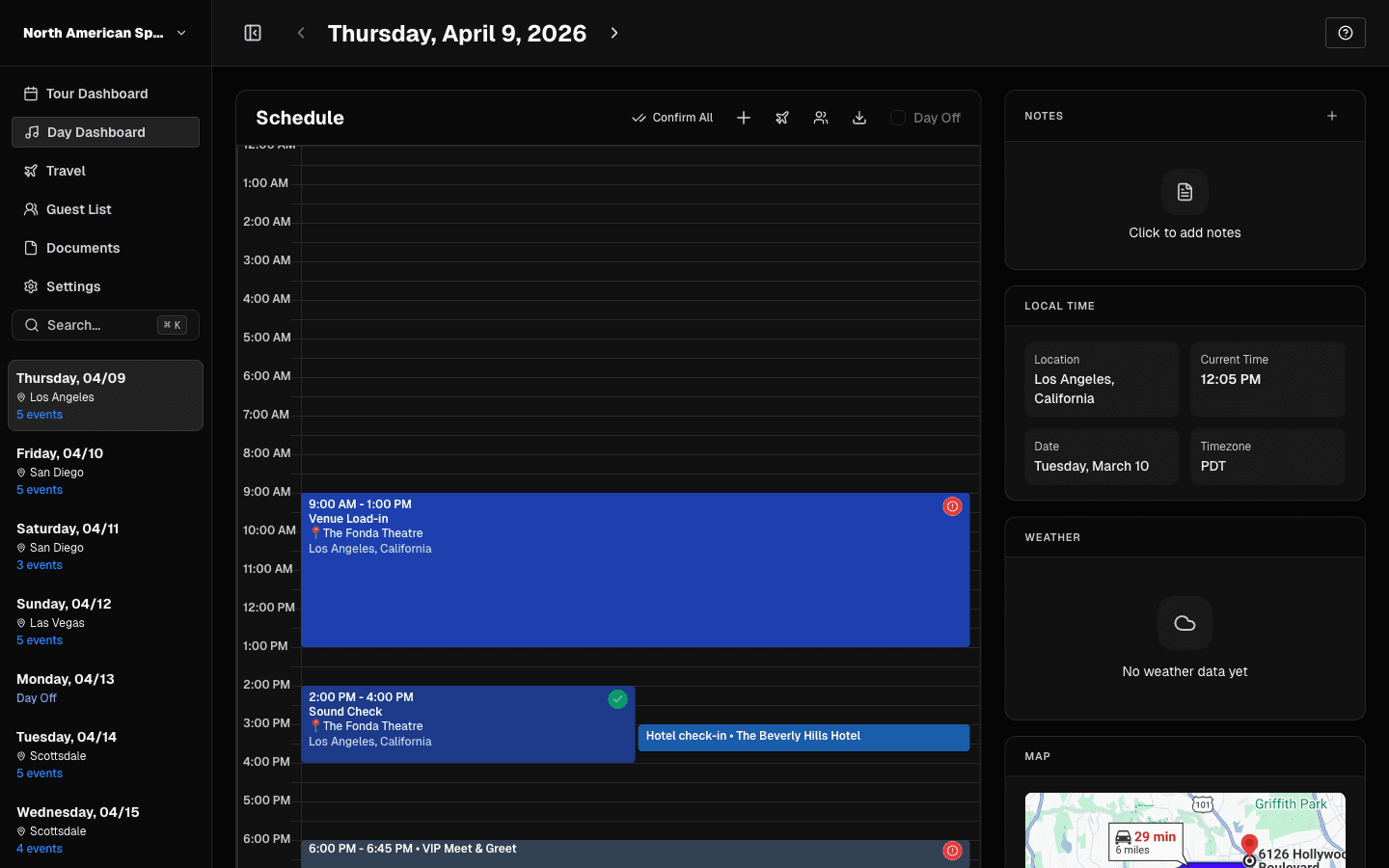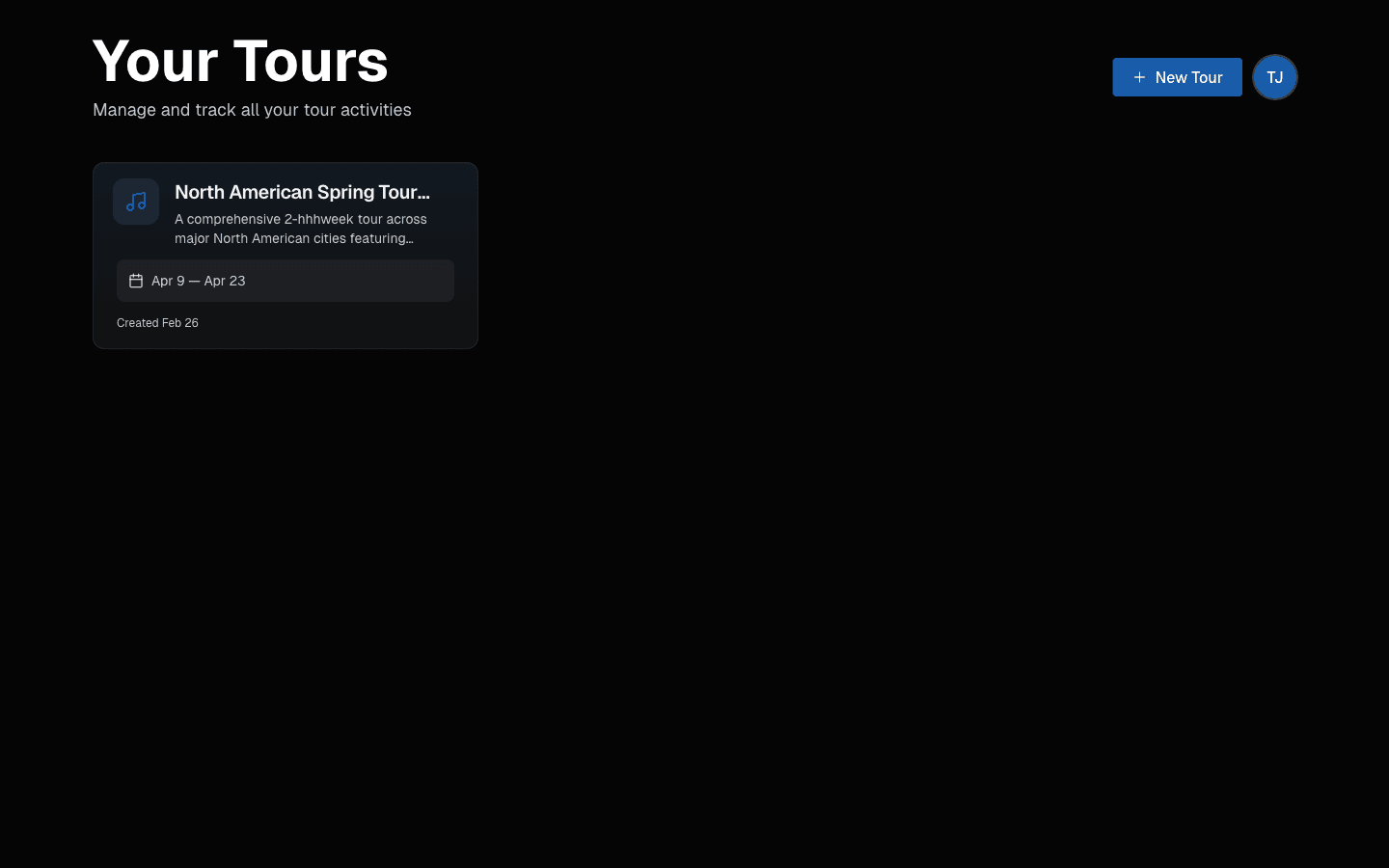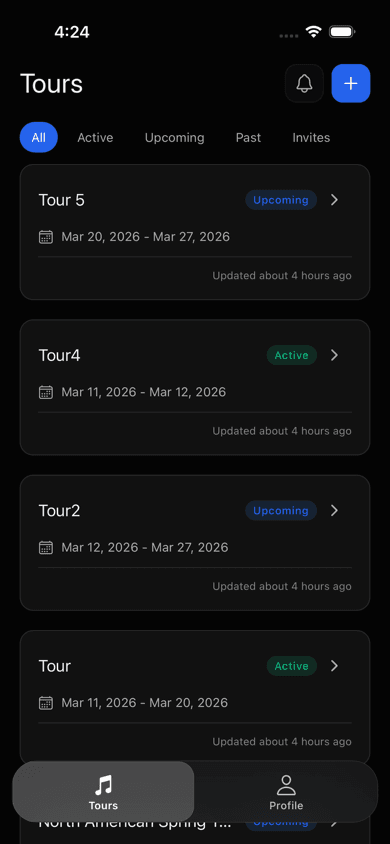
The TourPro mobile experience keeps your tour in your pocket. Whether you're backstage checking tomorrow's travel, at the hotel reviewing the day sheet, or on the bus confirming venue details, everything you need is one tap away.
This guide covers the current mobile workflow and how it pairs with the web app.
Getting Started
Download the app
- iOS: Download from the App Store
- Android: Google Play rollout is in progress
Sign in
Use the same credentials as web. Tour data syncs across devices automatically.
Home and Tour Overview
Open the app to see your tours, then tap into the active one.
Tour overview includes:
- Today's Schedule
- Team
- Tour details
Team view
Open the roster to find managers, crew, and artists by role while you are moving between stops.
Schedule and Day-of Execution
Schedule view
Scroll upcoming days with show/travel/day-off context and key timing.
Day detail
Each day contains:
- Schedule timeline
- Hotel details
- Flight and travel data
- Contact and note context
Quick actions
From day detail you can:
- Share a day-sheet summary
- Open addresses in maps
- Tap to call key contacts
Push Notifications
Stay current with alerts for:
- Schedule changes
- New logistics
- Team updates
- Day-sheet reminders
Guest List Management
Manage VIP and comp requests from your phone:
- Approve or deny requests
- Track guest counts
- Review status quickly on show day
Offline Access
Touring means inconsistent signal. TourPro mobile is built to stay useful offline:
- Previously loaded tour and schedule data remain available locally
- The app refreshes cached information when connectivity returns
- Creating or editing tour data currently requires a connection
Web and Mobile Workflow
For most teams:
- Use web/desktop for setup and planning
- Use mobile for day-of execution and updates on the move
Documentation for Current UI
The mobile app is built to be the first thing you check in the morning and the last thing you check at night. Get started at tourpro.app.