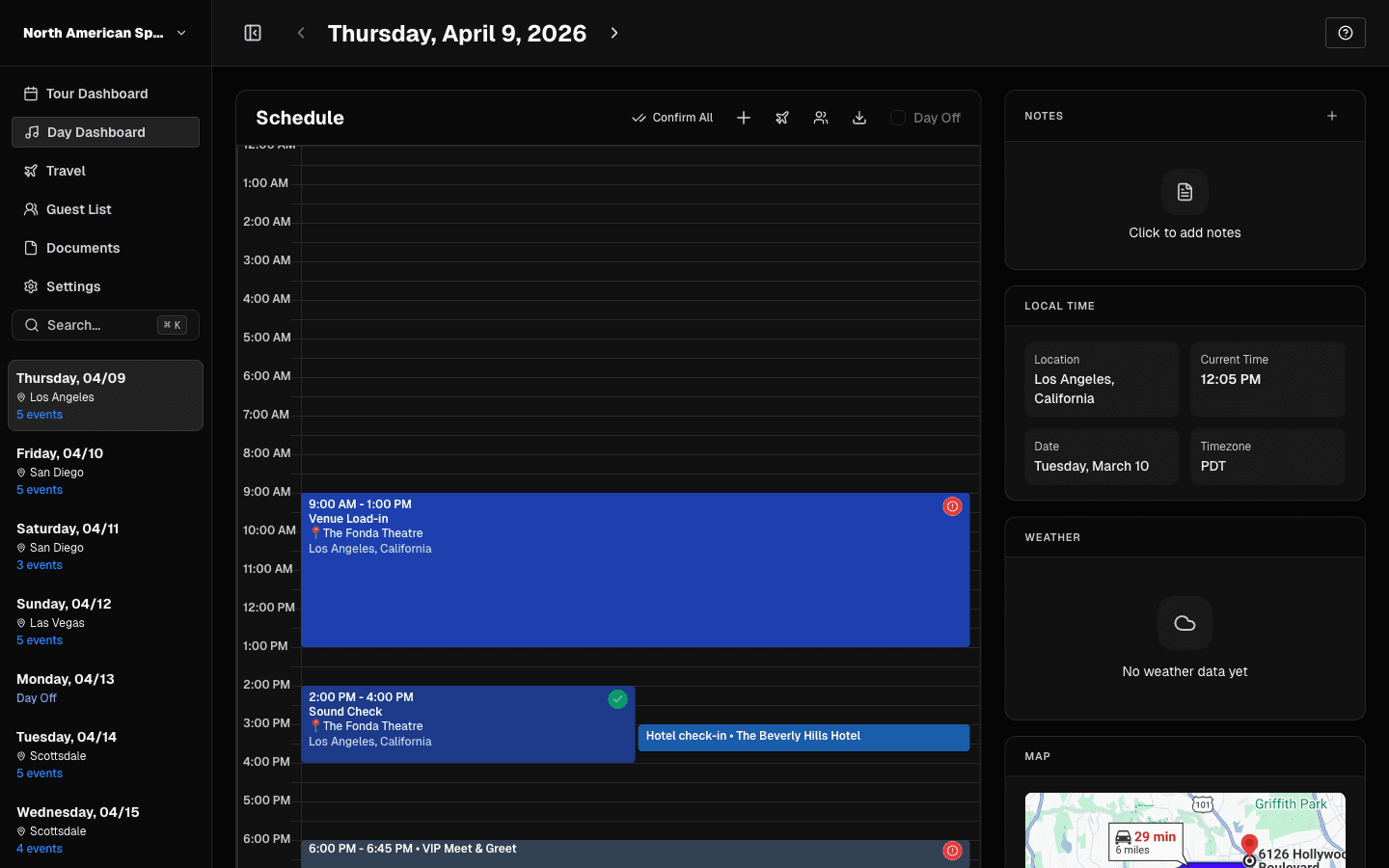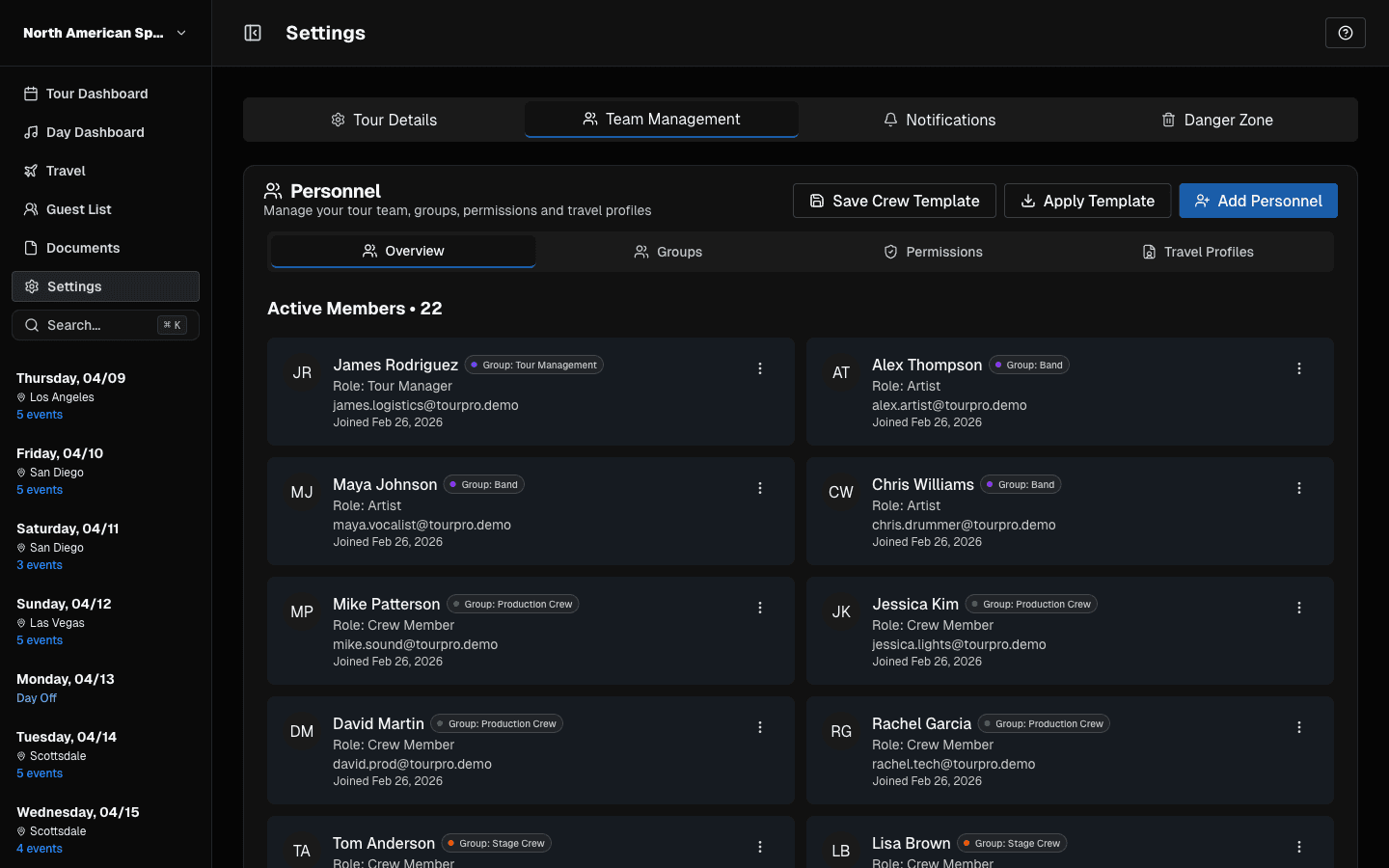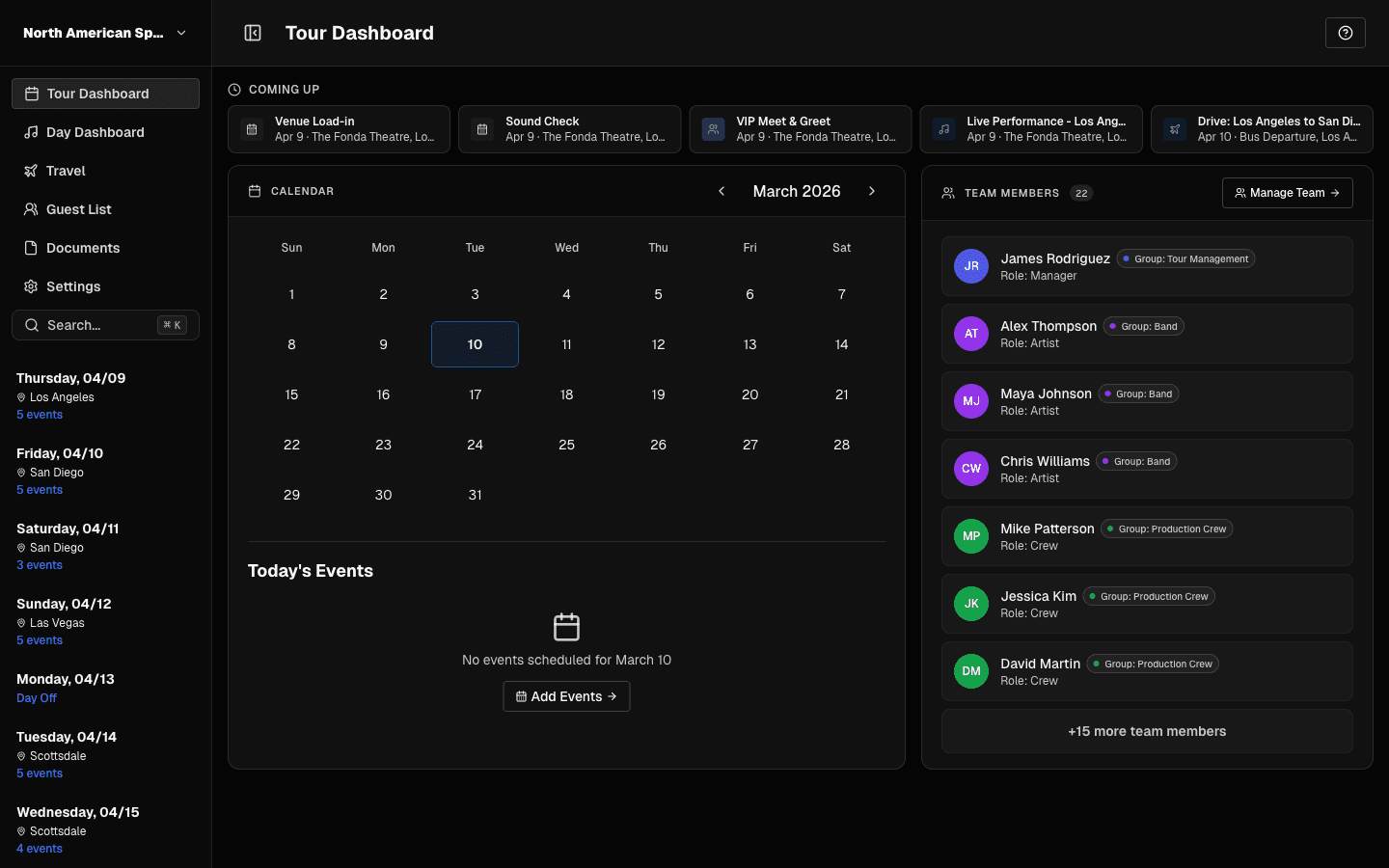
Before you compare tour management software or tour manager apps, decide what you need them to do. This guide is a feature checklist: what the core features are, which ones matter for different kinds of tours, and what to test before you commit. When you are ready to compare specific products, our roundup of the best tour management software puts them side by side.
What Is Tour Management Software?
Tour management software is a shared workspace for running a tour: the schedule, travel, hotels, contacts, guest lists, and day sheets live in one place, and the whole touring party can see the parts that concern them. It replaces the usual mix of spreadsheets, email threads, PDFs, and group chats.
The Core Features
Scheduling
- A date-by-date schedule with all the times that matter (lobby call, load-in, soundcheck, doors, set times, curfew)
- Support for different day types: show days, travel days, days off, rehearsals
- Time zones that behave correctly when the tour crosses them
- Calendar sync, so the schedule appears on people's own phones
Day sheets
- A day sheet generated from the schedule, not rebuilt by hand each day
- PDF export for venues and promoters who want paper
- Updates that reach the crew the moment something changes
See what belongs on one in our day sheet template.
Travel
- Flights, with live status and alerts for delays and cancellations
- Hotels with check-in and check-out times, and a rooming list
- Ground transport with pickup times and contacts
- Passport and visa details for international tours
Advancing
- A structured advance for each show, so confirmed details are saved against the date
- A way to turn confirmed advance details into day sheet content
Our guide on how to advance a show has the checklist.
People and permissions
- Roles, so crew see what they need and only managers edit
- Easy invites, so the whole party is in the app before the first show
- Guest list requests and approvals
Money
- Budget tracking and per diem tracking
- Settlement tools for the end-of-night count
Not every tool covers money, so check this one if it matters to you. For templates, see our tour budget and settlement sheet.
Mobile and offline
- iOS and Android apps for crew
- Offline viewing, so the schedule is available in a basement venue or on a plane
- Offline editing, if you need to make changes without a connection
Features That Matter by Tour Type
| Tour type | Prioritise |
|---|---|
| Small band in a van | Free or cheap pricing, simple schedule, mobile app |
| Mid-size tour with a crew | Permissions, day sheets, guest list, hotels and rooming |
| International tour | Time zones, flights, passport details, visa tracking |
| Large production | Advancing, financial tools, large team support, audit trail |
Questions to Ask Before You Commit
1. Who pays? Does the price grow with every manager who edits, or with the total party size?
2. What is locked behind a higher plan? Flights, hotels, guest lists, and PDF export are sometimes gated.
3. How does it work offline? Viewing and editing are different.
4. Can crew get in without friction? If joining takes more than a minute, people will not do it.
5. Can you leave? Check that you can export your data.
6. Does it match how you work? Run a real tour date through a free trial before you commit a whole tour to it.
Try It on One Real Week
The best test of any tool is to put one real week of a tour in it. Build the schedule, add travel, publish a day sheet, and invite two crew members. If it is faster than your current process, keep going. If not, you learned that cheaply.
TourPro covers scheduling, flights, hotels, ground transport, guest lists, advances, permissions, and auto-generated day sheets, with web and mobile apps. It is free for teams up to 5 members, so you can run that test at no cost.