Every piece of software starts with a frustration. TourPro started with a spreadsheet.
Not just any spreadsheet — a massive, color-coded, tab-heavy Google Sheet with hundreds of rows, dozens of columns, and a formula so fragile that changing one date would break half the document. If this sounds familiar, you've probably worked in touring.
The Problem
Tour management is one of the most complex logistics challenges in entertainment. A typical tour involves:
- Dozens of show days across multiple cities, states, or countries
- Hotels — different properties every night, with room blocks, confirmation numbers, and check-in/out times
- Flights — for artists, crew, and production team members
- Ground transportation — buses, vans, and car services
- Venue details — capacities, load-in times, production requirements
- Team coordination — everyone from the bus driver to the artist needs the right information at the right time
And the tool most touring professionals use to manage all of this? Spreadsheets. Or worse — a combination of spreadsheets, email chains, group texts, PDFs, and sticky notes.
Why Spreadsheets Fail
Let's be clear: spreadsheets are incredible tools. They're flexible, universally accessible, and don't require a subscription to use. But for touring, they fail in critical ways:
No real-time collaboration
When three people edit the same Google Sheet simultaneously, things break. Formulas overwrite each other. Rows shift. Someone accidentally deletes the hotel column and nobody noticed until the day of.
No permissions model
Everyone with the link can see everything. Want the merch team to see show details but not hotel costs? Want the bus driver to see addresses but not the settlement worksheet? You can't do that with a spreadsheet.
No mobile experience
Try using a Google Sheet on your phone in the back of a van at midnight. It's not great. The information is there, technically, but finding what you need is a scroll-and-pinch nightmare.
No intelligence
Spreadsheets don't know what a "show day" is. They don't know that load-in is usually before sound check. They can't auto-calculate drive times or pull in weather data. You type everything, format everything, and maintain everything manually.
What We Built Instead
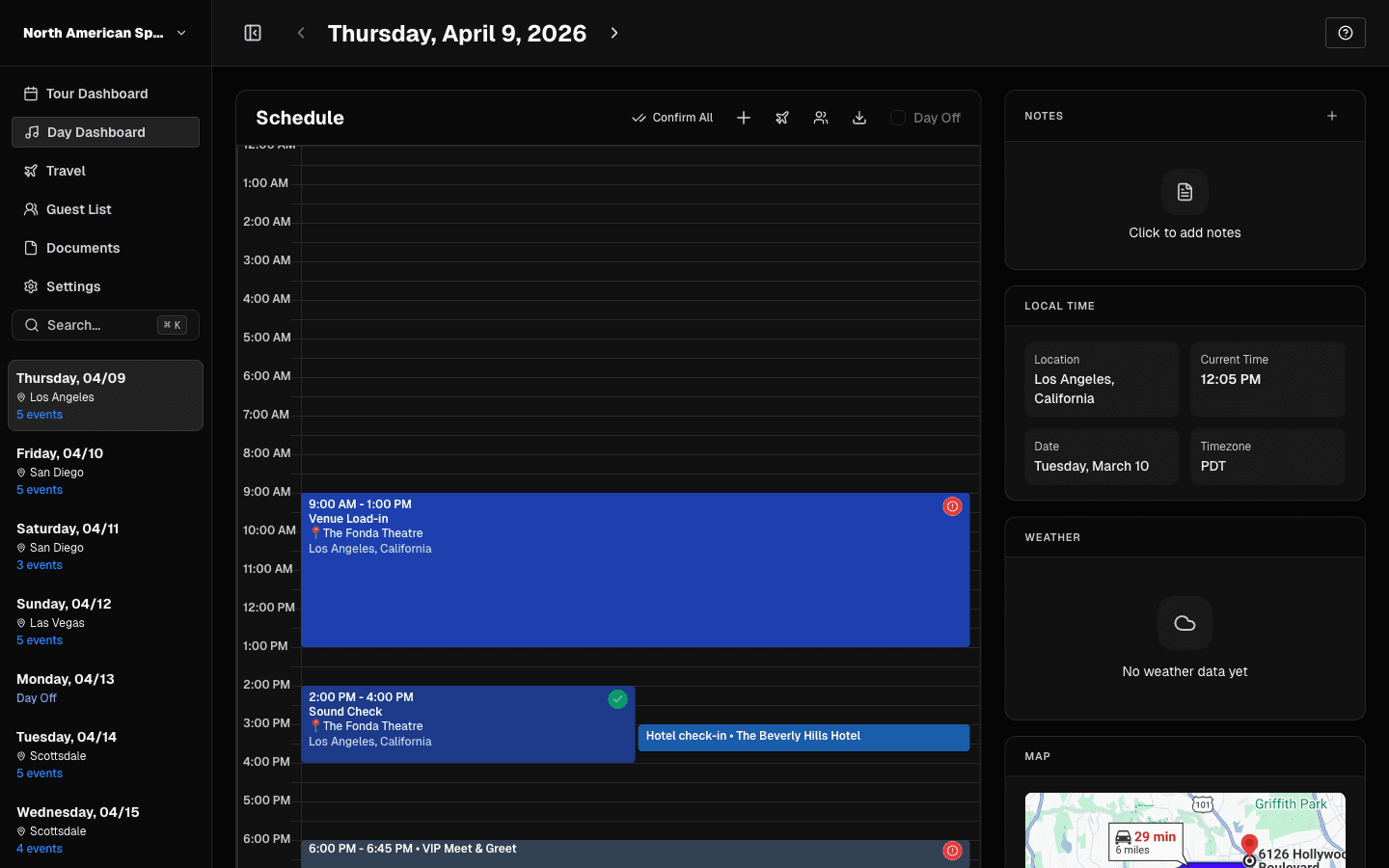
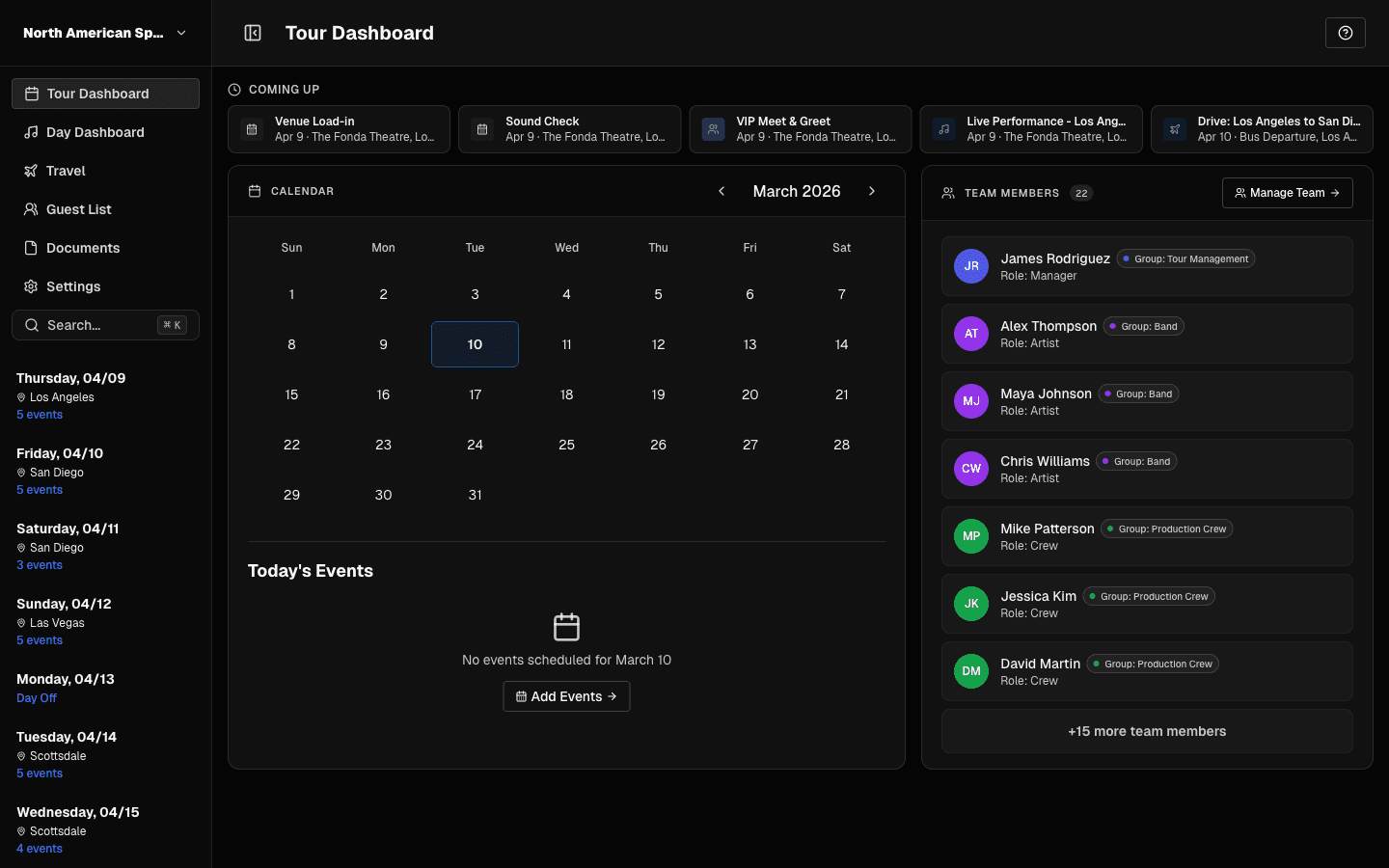
TourPro is designed from the ground up for one purpose: making tour logistics effortless.
Structured data that makes sense
Instead of columns and rows, TourPro uses purpose-built fields: venues, hotels, flights, contacts, and schedules. Each piece of data is typed, validated, and connected to the rest of the tour.
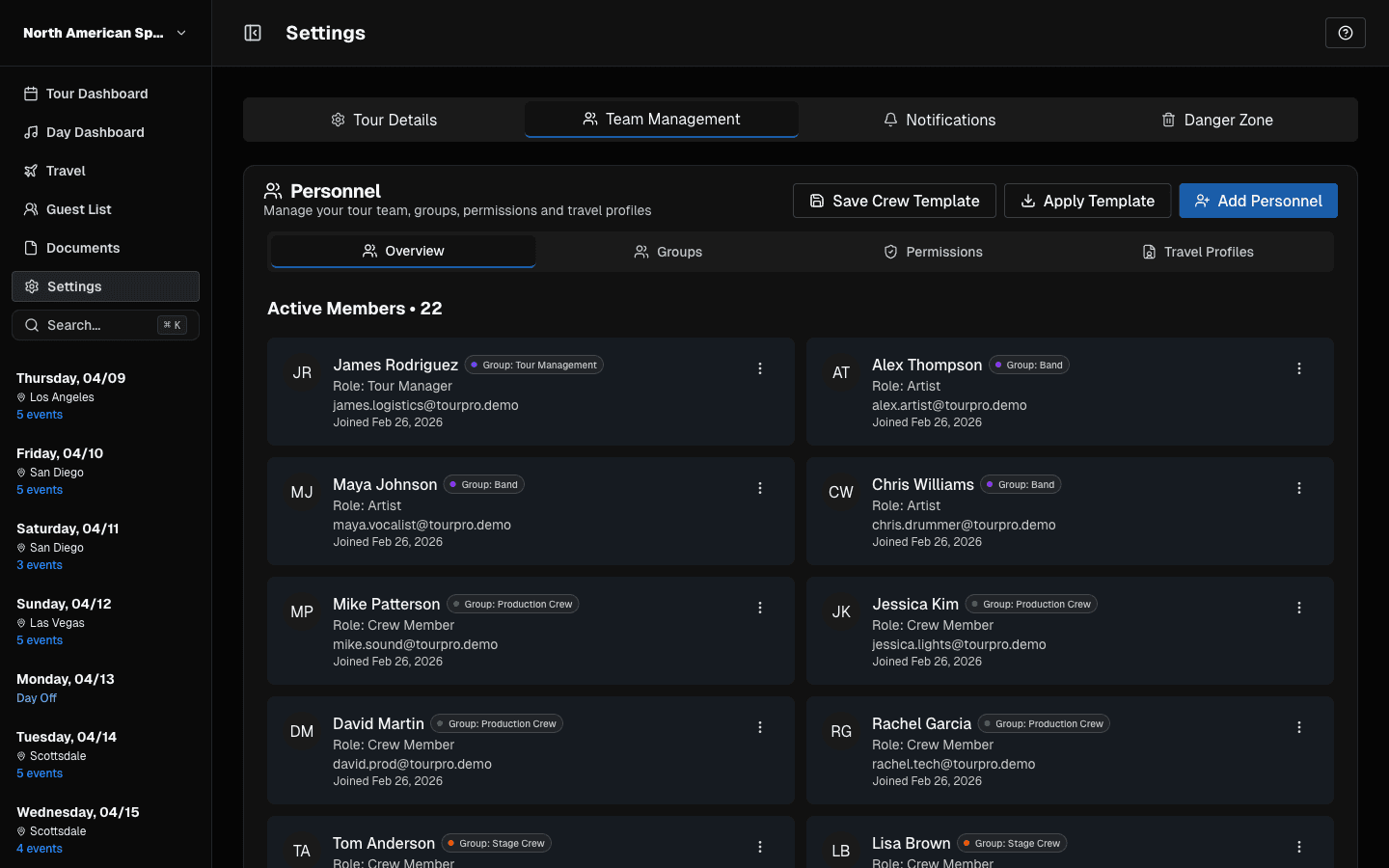
Role-based access control
Every team member sees exactly what they need. Admins get the full picture. Managers can edit logistics. Crew members see their schedule and hotel info. No more sharing the entire sheet with everyone.
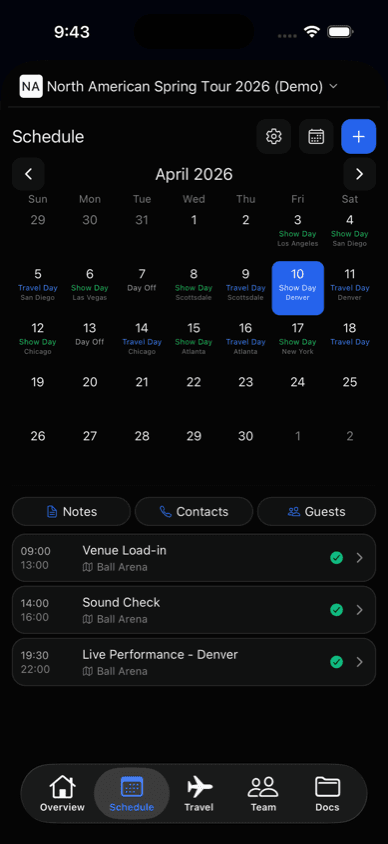
Mobile-first access
The mobile app is built specifically for checking information on the go. Open it, see today's schedule, check the hotel, call the venue. Done in seconds.
Automatic day sheets
Instead of manually building a day sheet in Word every morning, TourPro generates them automatically from your tour data. Export to PDF, share to the team, or let everyone access it in the app.
Venue search
When you add a show, address search helps you find the venue and fill in its location. You can add tour-specific venue details and contacts alongside it.
Built by Touring People
TourPro isn't built by a Silicon Valley startup. It's built by people who've been on the road — who know what it's like to check into a hotel at 3 AM, who understand why the day sheet needs to be sent by 8 AM, and who've felt the pain of a miscommunicated lobby call time.
Every feature exists because someone on a tour needed it. Every design decision is informed by real-world touring workflow.
Where We're Going
We're just getting started. The features we're building next are driven by the touring community:
- Advanced budgeting and settlement tools
- Vendor management and local crew databases
- Integration with ticketing platforms
- AI-powered scheduling suggestions
- Enhanced offline capabilities
If you're a touring professional and you've ever been frustrated by a spreadsheet, a lost PDF, or a miscommunicated hotel name — we built TourPro for you.
Ready to try it? Sign up at tourpro.app and see the difference purpose-built tour management makes.